
Airbnb cleaning checklist
On iPhone or Android, your cleaner follows your Airbnb cleaning checklist task by task: a picture, an instruction, a tick.
A task that cannot be done is flagged with a reason and a photo; one put off for later returns at the end.
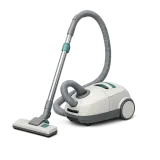 Vacuum the floors
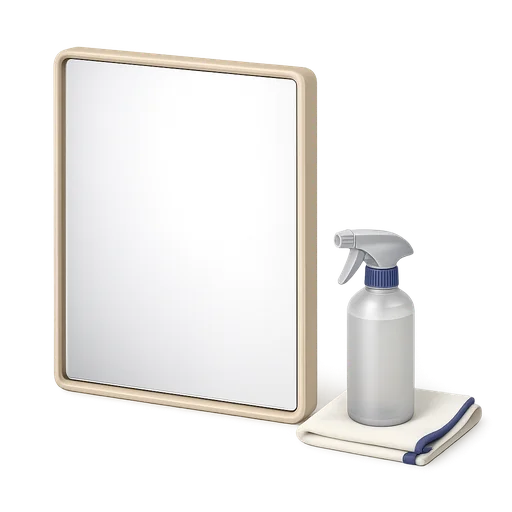
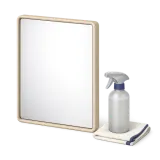 Clean the mirrors
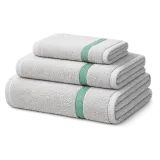 Change the bath towels
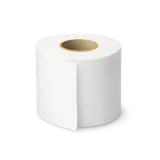 Restock the toilet paper
 Leave the welcome gift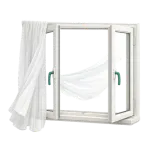

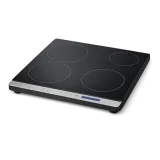
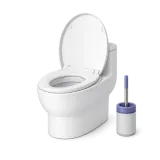
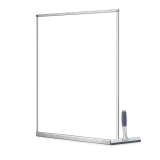
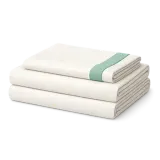
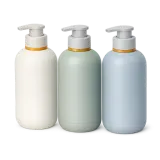 Clean the mirrorsChange the bath towelsRestock the toilet paperLeave the welcome giftChange the bath towelsRestock the toilet paperLeave the welcome giftRestock the toilet paperLeave the welcome giftLeave the welcome gift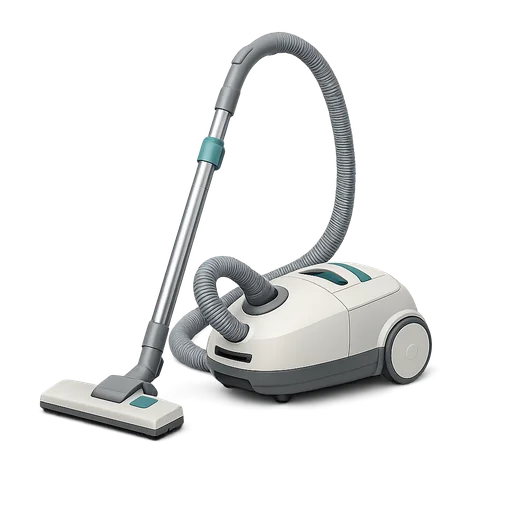
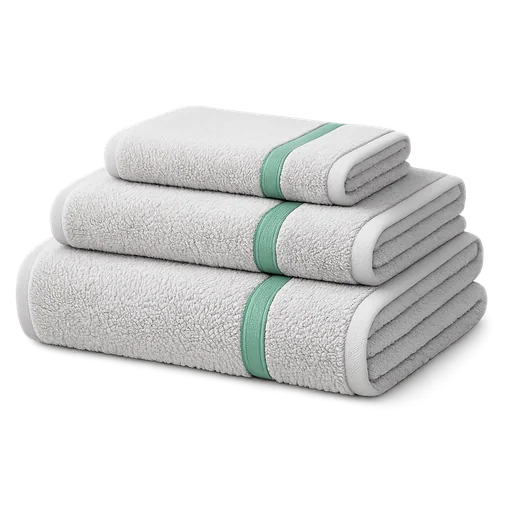 for 4 guests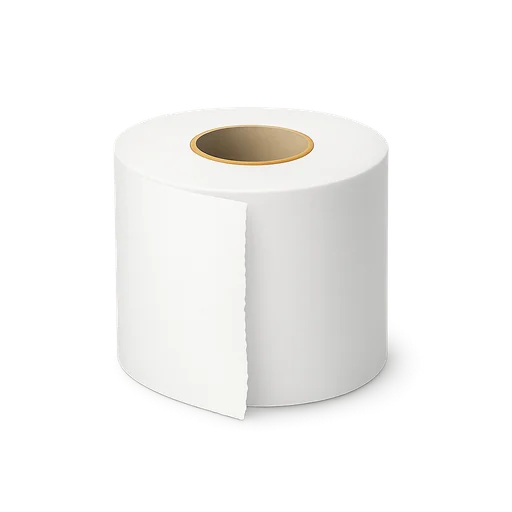

Six families, one order
Every task joins its family and colour, and the checklist follows the real order of the cleaning.
Within each family, drag tasks to set the order; a progress bar shows your cleaner how far along they are.
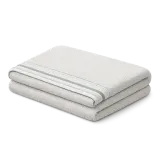

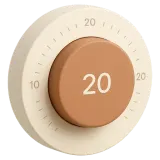


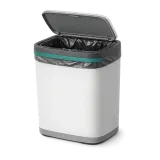
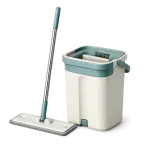
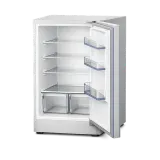
150+ illustrated tasks
On the manager side, you build the checklist by ticking illustrated tiles, sorted by family, ready in six languages.
Rather not start from scratch? Two templates, standard and hotel-style clean, give you a head start.
Air out the homeVacuum the floorsClean the hobClean the shower screenClean the mirrors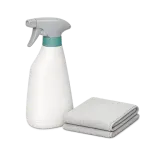 Disinfect surfacesDust the surfacesEmpty the bins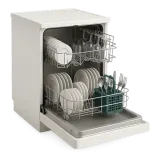
Every task, its own rhythm
The oven every 6 cleanings, the air vents every 3 months: each task only shows up when its turn comes.
Tasks for a pet or a baby only join cleanings flagged that way.
Vacuum the floorsEvery cleaningClean the fridgeEvery 4 cleanings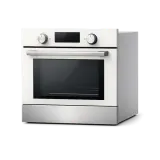 Clean the ovenEvery 6 cleanings
Your notes, under each task
Rewrite the library tip with what you know about the property: your cleaner reads it right under the title.
You can also say where the task is, and the quantity to put out, fixed or based on guests.
Air out the homeVacuum the floorsClean the fridgeClean the shower screenClean the mirrors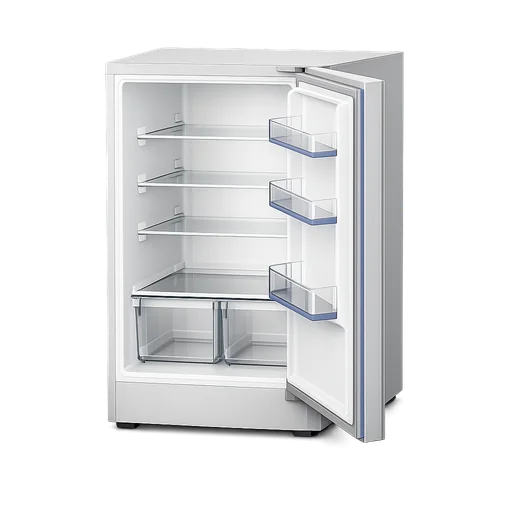
Each in their own language
Library tasks and tips show up in the language your cleaner picks, out of six.
Anything you write yourself shows exactly as written, with no machine translation.
Proof, room by room
In the Proof tab, pick the rooms and checkpoints to photograph after the cleaning, and how many photos each.
A reference photo guides your cleaner; you can also ask for a video of the property, or one per room.
Air out the homeVacuum the floorsMop the floorsEmpty the bins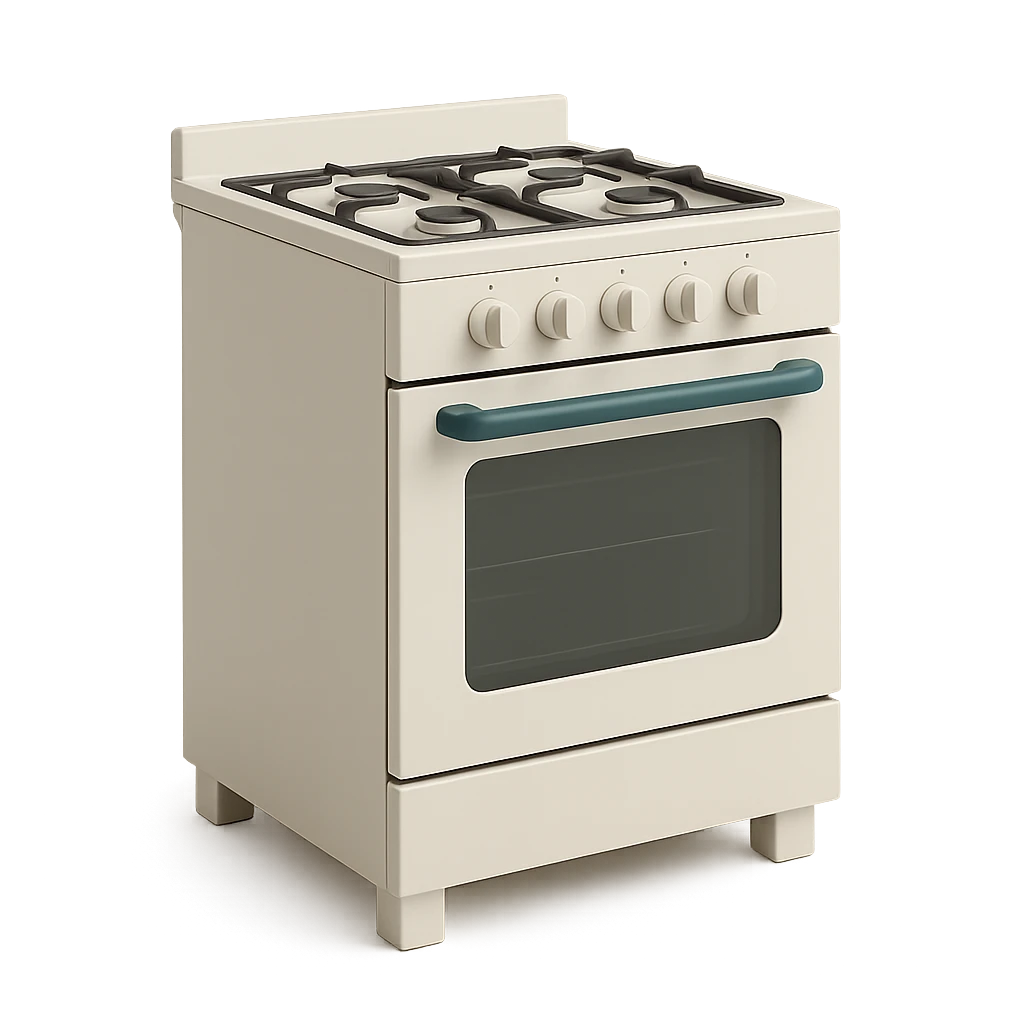 KitchenX2
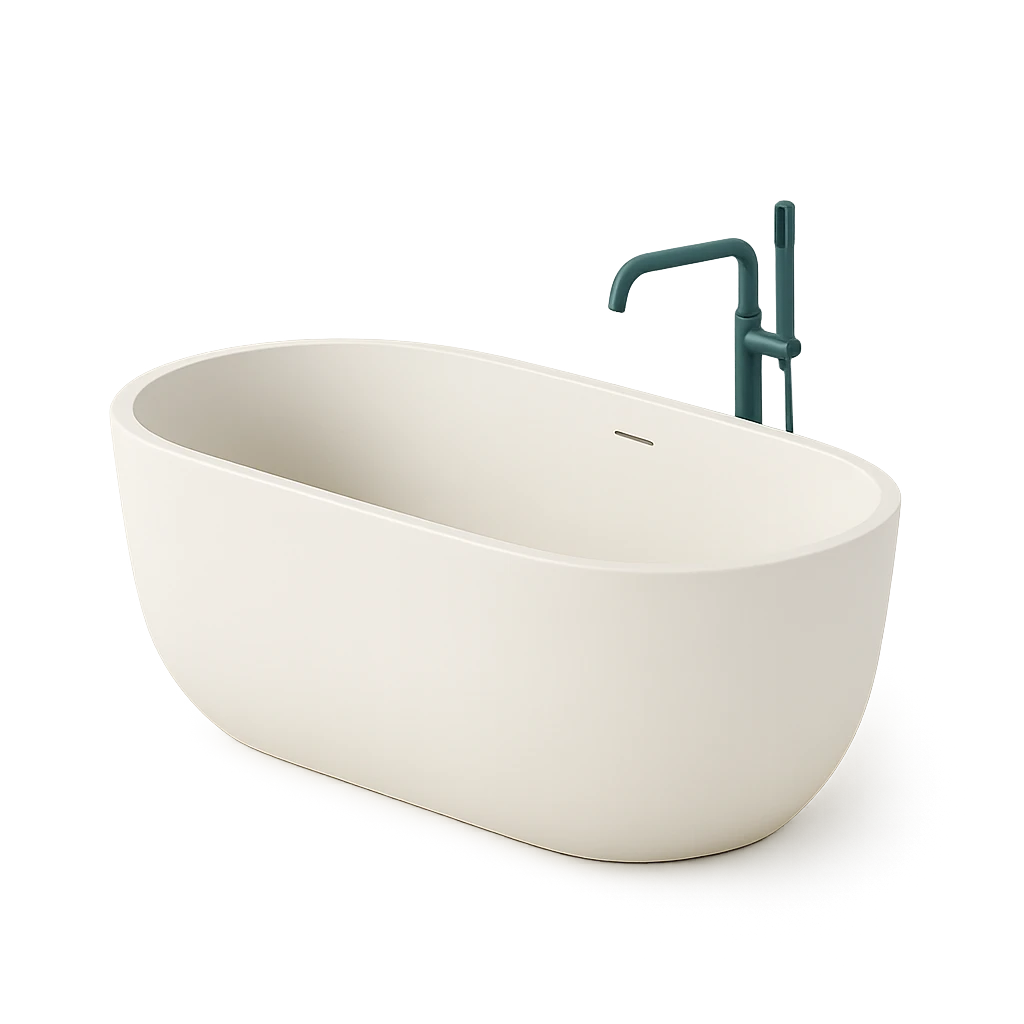 BathroomX2
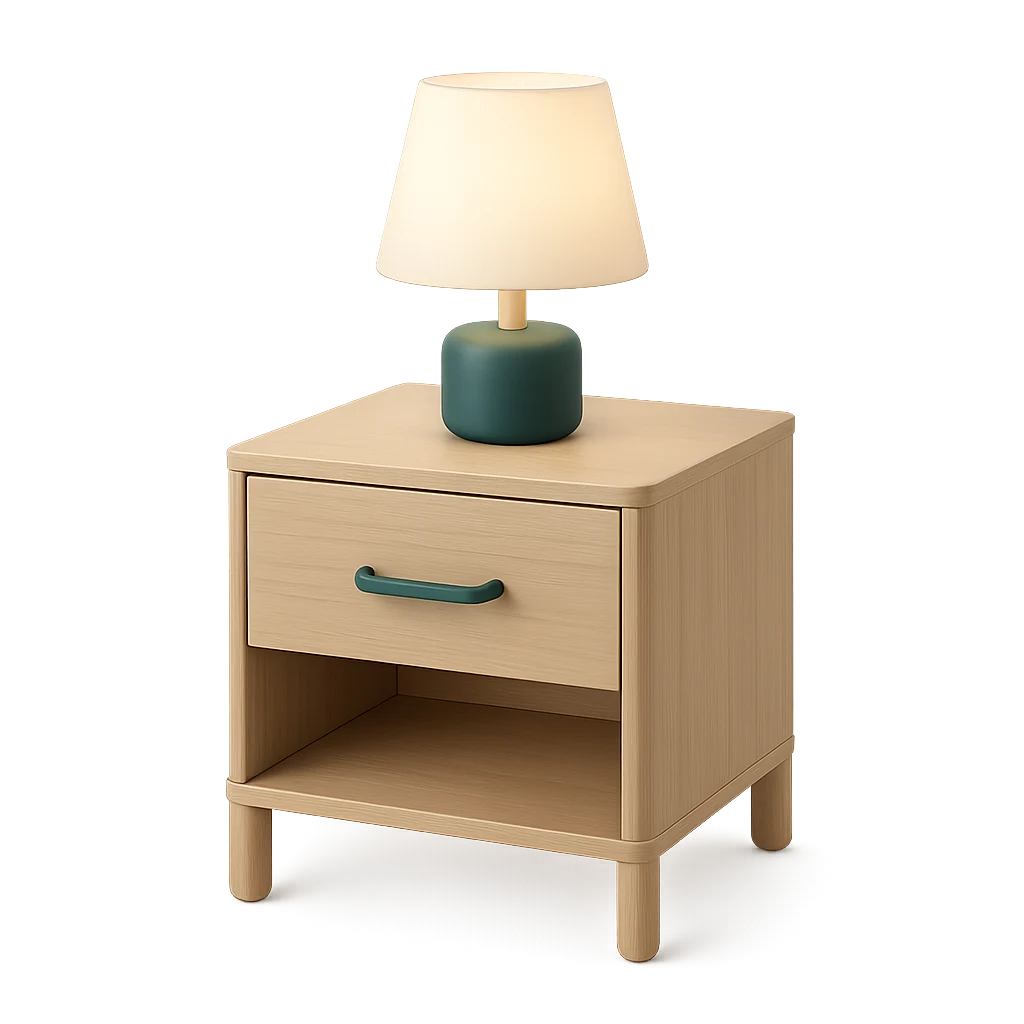 BedroomX2
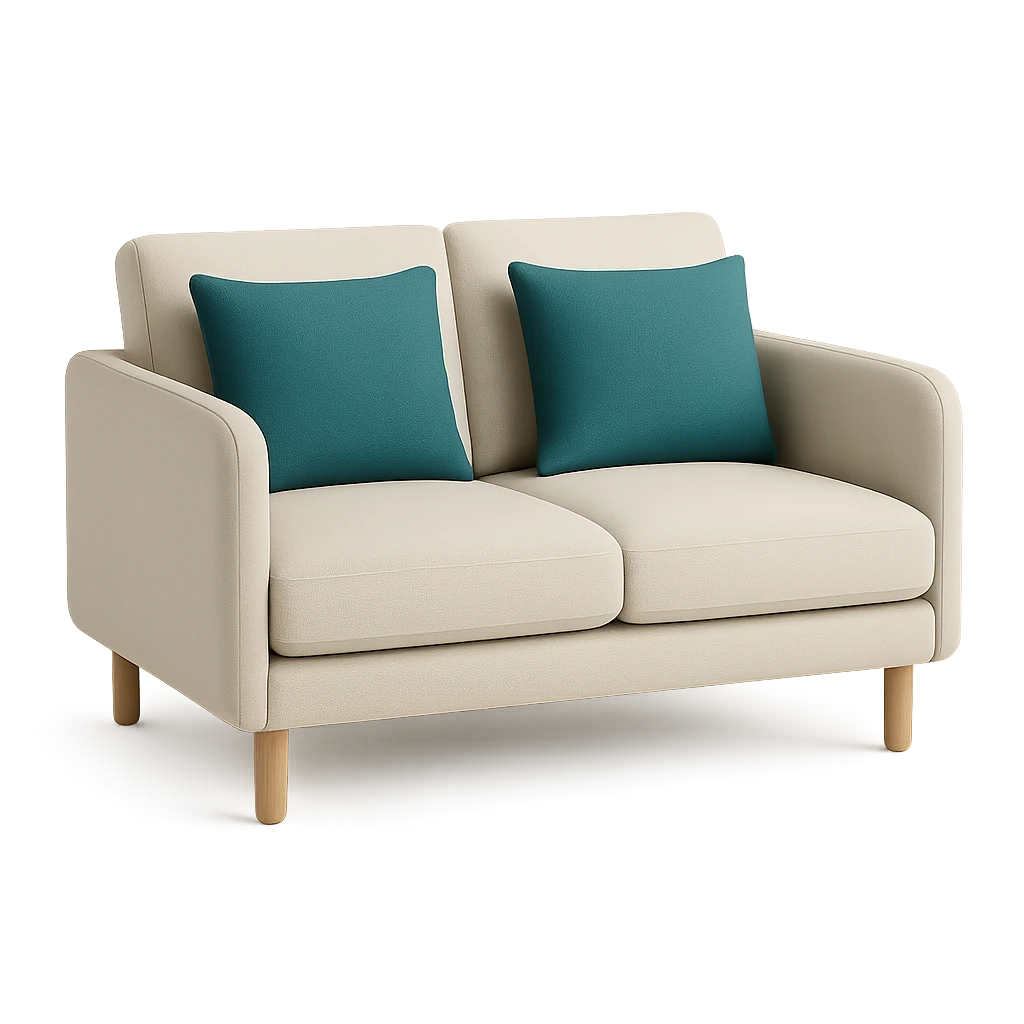 Living room
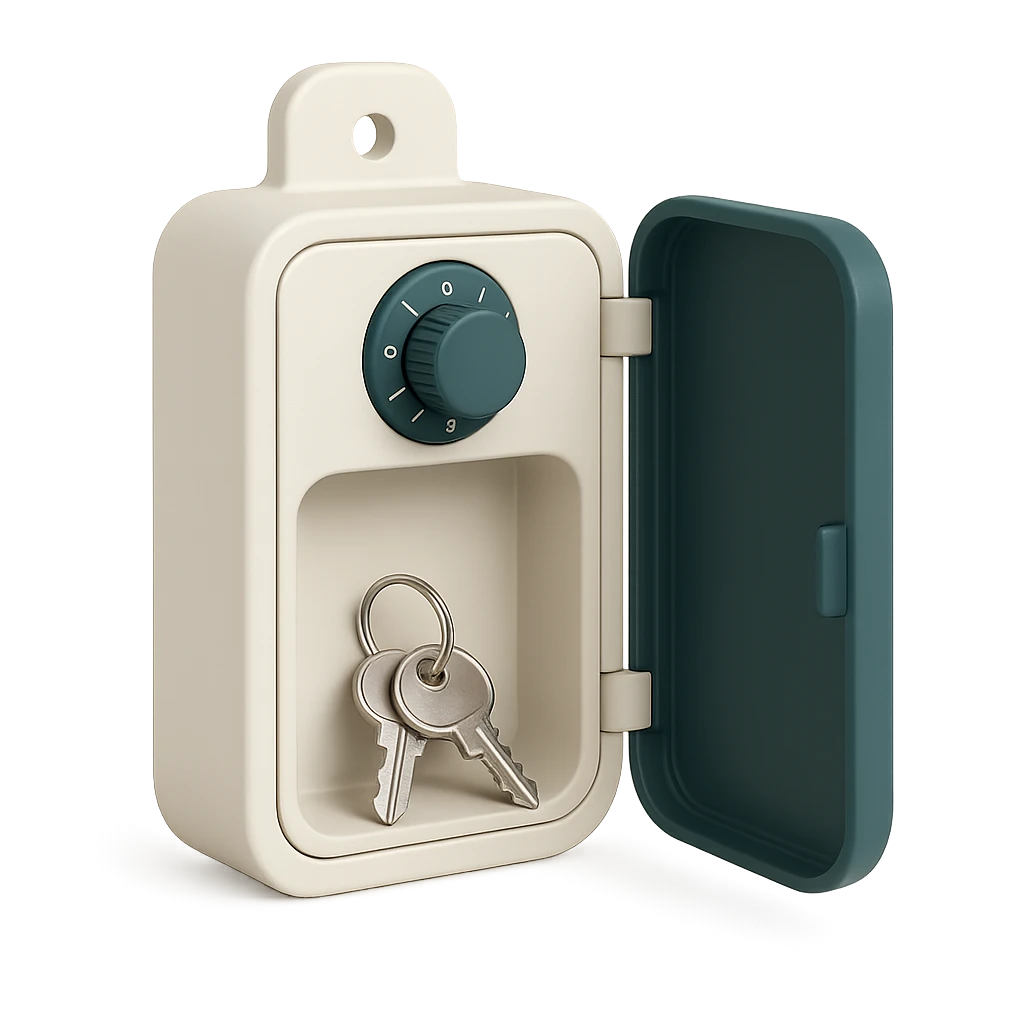 Keys
Keys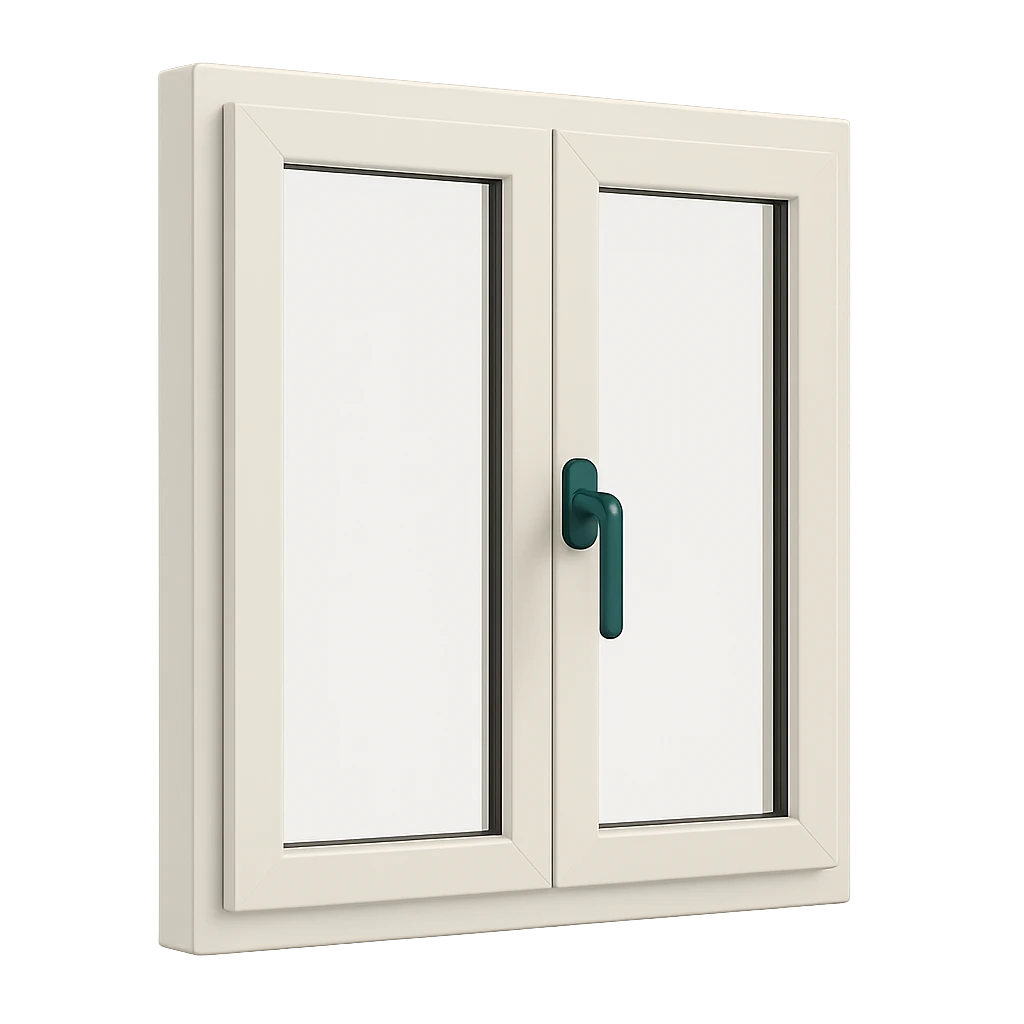 Windows
A good cleaning checklist
Follow the order of the work
Air the place, empty the bins and dust before vacuuming and mopping, or the dirt lands back on the floor. Do the linen in one go, bedding then bathroom. Ordering tasks this way spares your cleaner from reinventing the route.
One task, one visible action
“Do the kitchen” says neither where to start nor when to stop. “Clean the hob” or “Descale the kettle” can be done, seen and ticked. Details specific to the property go in the instruction.
Space out deep cleaning
The oven, hood, windows or air vents do not need doing at every turnover. Space them by number of cleanings or by time: the day’s list stays short, and nothing slips through. The library’s default rhythms are a good start.
Write what only you know
The tap that drips if tightened too hard, the bin store code, the number of towels per guest: a short instruction under the right task saves a message during the cleaning.
Think of the first visit
A stand-in does not know where the vacuum lives. Say where tasks are, the quantities to restock and add a reference photo per room: the first visit goes like the tenth.
The usual mistakes
An endless list nobody reads to the end, instructions lost in a chat app, forgotten restocking, no photos to settle a complaint, a checklist in a language the team reads poorly.
Keep the checklist alive
Read it again after the first cleanings. The reasons your cleaner reports, missing equipment or task already done, show what is missing and what is too much. Adjust a task or a rhythm, then save.
Common questions
Can each property have its own checklist?
Yes. Each property has its own tasks, instructions, rhythms and photos; start from scratch or from a template, then adjust.
Does the cleaner need to install an app?
Yes, the CleanClac app on iPhone or Android, in their own language. Cleaners pay nothing.
What happens if a task cannot be done?
They tap the cross and pick a reason, with a photo. “Already clean” skips it quietly; a real problem reaches you as an incident.
How do I handle tasks that do not come back every cleaning?
Set their recurrence: every N cleanings, days, weeks or months. The task only appears when its turn comes, and its card shows when it was last done.
Which languages does the checklist come in?
French, English, Spanish, German, Italian and Portuguese, depending on each cleaner’s choice. Text you wrote yourself shows as is.
Can I require photos at the end of a cleaning?
Yes. The Proof tab lists the rooms and checkpoints to photograph and how many photos; a video works too.
How much does CleanClac cost?
Your first property is free, no card required. After that, from €4.99 a month for two properties billed yearly, checklists and recurrences included.
Explore more
Cleaning schedule
Every booking becomes a cleaning
Inventory management
Alerted before you run out
Cleaning report
Timestamped photos, sealed proof
Team management
Invite your cleaners
Guest card
More transparent than a hotel
Integrations
Connected to your PMS
Find a cleaner
Close by, with no commission
And much more!
Over 150 illustrated tasks

















Build your first checklist.
One property free, no card required: pick your tasks, write your instructions, and try it at the very next cleaning.