Automating Your Short-Term Rental: The 2026 Guide
Messages, pricing, check-in, cleaning, reviews: what can really be delegated to tools in 2026, how much time you save, and where to start.
A short-term rental property generates dozens of micro-tasks per booking: confirming, sending arrival instructions, adjusting next weekend’s price, notifying the cleaner, replying to the 11pm message about the WiFi code, requesting a review. With 2 or 3 properties, this flow already takes up several hours a week. With 10 properties, it becomes a full-time job if nothing is automated. By 2026, almost all these tasks can be delegated to reliable, affordable tools. Here’s a breakdown, task by task, showing what automates well, what doesn’t, and the realistic time savings.
Why Automation Is No Longer Optional
The market isn’t slowing down: platforms recorded 951.6 million overnight stays in the EU in 2025, up 11.4% year-on-year according to Eurostat. More guests means more messages, more turnovers, more cleans, and more reviews to manage. At the same time, expectations are rising: according to a 2026 Vrbo study, 56% of guests expect a host response within an hour if there’s a problem.
No host can maintain this level of responsiveness manually, seven days a week. Automation isn’t about doing “a worse job, but faster”: it’s about guaranteeing a consistent level of service, even on a Sunday at 10pm, by handing repetitive tasks to tools that do them better than a tired human.
The golden rule before investing: automate a process that already works. If your check-in is confusing or your cleaning disorganised, automating it will just create chaos faster. Write down exactly how each task works first, then bring in tools.
Guest Messaging: The First Task to Automate
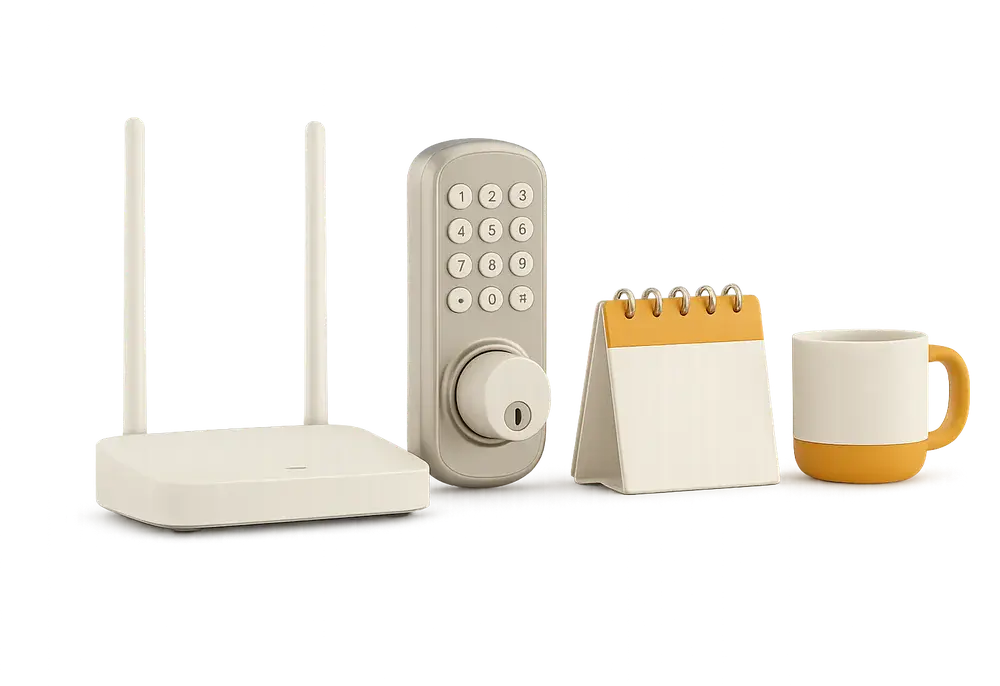
This is the easiest win for effort vs reward, because the vast majority of guest questions are repetitive: WiFi code, arrival time, parking, check-out. Tools like Hospitable, Smoobu, Hostaway, or Airbnb’s own scheduled messages create scenarios triggered by events: booking confirmation, 3 days before arrival, day of departure.
A typical scenario covers 5 messages: immediate confirmation, arrival instructions 2 days before, welcome message on check-in evening, departure reminder the day before, thank you and review request. Each message is sent at the right time, in the right language, with no intervention.
The benefit is twofold. First, time: for a host with 3 properties and 8 to 10 bookings a month, expect to save 3 to 5 hours a week just on messaging. Second, performance: response rate is a Superhost criterion (respond within 24 hours in at least 90% of cases), and communication quality directly affects reviews. For help building your templates and choosing the right tool, see our guide Automatic Airbnb Messages, Without Losing the Human.
What can’t be automated: unusual requests (very late arrivals, incidents, disputes). Automation handles the volume, you keep the exceptions.
Dynamic Pricing: More Than Just Time Savings
Setting a single price all year round means losing money twice: too high in quiet weeks (nights go unsold), too low during conferences and school holidays (profit left on the table). Dynamic pricing tools like PriceLabs, Beyond, or Wheelhouse analyse local demand, events, and competition to adjust each night automatically.
Three main settings shape the tool: a minimum price below which you won’t rent, a base price aligned with your market, and orphan night rules (single nights between bookings). For reference, France has an average occupancy rate of about 63%, peaking at 71% in Paris and 75% in Nice according to PriceLabs. If you’re well below that for a similar listing, price is the first suspect.
Time saved is real, but the main argument is revenue: providers often claim increases of 10 to 30% in the first year, which you should check on your market during the trial. Allow 1 to 2 hours setup per property, then a 15-minute monthly review.
Self Check-In: Now the Standard
According to the Touch Stay 2024 study, 67% of guests want self check-in, and 88.7% expect detailed arrival instructions (codes, parking, access). Handing over keys in person is no longer the norm, except for very high-end properties. The right equipment depends on your property:
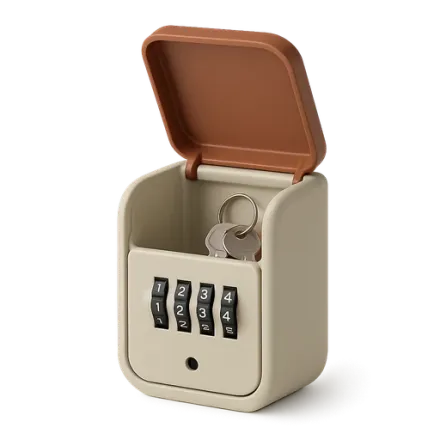
Secure key safe
The entry-level solution, £25 to £70, code sent before arrival, change regularly.
Smart lock
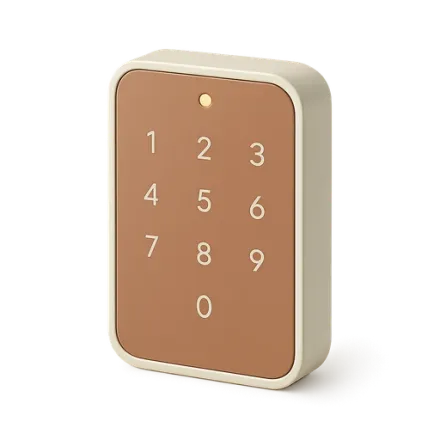
Unique codes per stay, generated and revoked automatically, access log, correct code sent to the right guest via the channel manager.

Digital welcome book
Accessed by QR code, answers questions before they’re asked (WiFi, appliances, local tips).
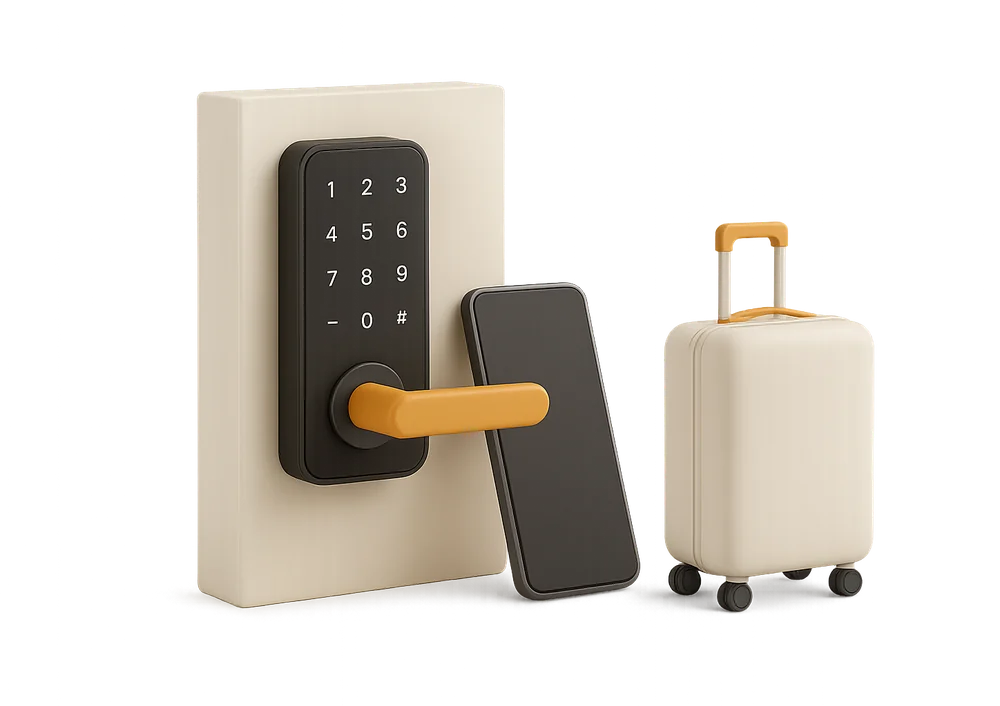
Combined with automated messages, self check-in removes the need to be present: no more blocking out a slot for every arrival or dealing with delayed trains. For a comparison of access solutions and their pitfalls (battery, backup plans), see our guide Self check-in: key safe or smart lock?. Do check local regulations: some cities restrict key safes in public spaces, and Italy has challenged remote guest identification.
Cleaning: The Most Critical, Long the Least Tooled-Up
Cleaning is the paradox of automation: it’s the ultimate physical task, yet coordinating it is what automates best. The real challenge isn’t cleaning, it’s orchestration: knowing a guest leaves Thursday at 11am, notifying the right person, checking everything’s done before the 4pm arrival, and repeating for every booking, even when a cancellation throws the schedule.
That’s exactly what a dedicated app like CleanClac does: iCal sync with Airbnb, Booking, and Vrbo detects each guest departure and automatically creates the clean at the property’s default slot. The cleaner receives their task, follows an illustrated checklist (about 200 tasks, tailored per property), checks in on site with geolocation, and finishes with timestamped photos saved by the server, impossible to backdate. The manager sees in real time what’s done and what’s overdue. The full setup, its real refresh times per platform and its troubleshooting are detailed in iCal Sync: Airbnb, Booking.com and Your Cleaning.
It’s about more than convenience: 78% of guests cite spotless cleanliness as the top sign of a quality listing according to Vrbo’s 2026 study, and a cleanliness rating below 4.8 costs about 20% of bookings according to industry analysis. A missed clean after a last-minute booking is the classic recipe for a 1-star review.
Time-wise: for a management company with 15 properties, manual cleaning scheduling (checking calendars, sending messages, chasing, checking) easily takes 5 to 8 hours a week. With automatic scheduling, this drops to just handling exceptions. The full method is detailed in Automate Your Airbnb Cleaning with CleanClac.
If you already use a PMS (Beds24, Guesty, Hostaway, Lodgify, Smoobu, Superhote), there’s no need to choose: CleanClac plugs in via connector and handles the cleaning layer that PMSs don’t cover in depth.
Reviews: Requesting, Responding, Analysing
The final link, often neglected. Three useful automations.
Requesting reviews: an automatic message the day after departure noticeably increases the number of reviews left. Happy guests often forget to review; unhappy ones rarely do. Systematic requests balance the average.
Responding to reviews: AI assistants built into PMSs draft replies tailored to the review content. Always check before sending: a generic reply to a negative review makes things worse. The Booking.com Partner Hub also explains how reviews affect listing visibility.
Analysis: spotting recurring mentions (“tired mattress”, “temperamental shower”) turns reviews into a to-do list, and some tools summarise this automatically.
The financial impact is proven: a Cornell study found that one extra review point (out of 5) lets you raise your price by about 11% at the same occupancy. Reviews are a pricing lever, not just admin.
What Not to Automate
Automation has blind spots:
- Guest selection: unusual requests (groups, events, very long stays) need a human eye.
- Incident management: water leak, guest locked out, neighbour complaints. The tool alerts, the human decides.
- Relationship with your cleaning team: the app sends tasks and proof, but doesn’t replace regular check-ins with your cleaners.
- On-site quality control: photos document, but a physical visit to each property is still essential to spot wear and tear.
Another classic pitfall: stacking up tools that don’t talk to each other. Five unconnected apps create more mental load than a notebook. Favour a central platform and specialist tools that plug into it.
Where to Start: The 4-Step Roadmap
No need to roll everything out in a weekend. The order that works:
- Week 1, messagingWrite your 5 standard messages, schedule them in your platform or channel manager. Immediate gain, almost no cost.
- Week 2, cleaningConnect your calendars to a cleaning management app, invite your cleaners, create the first property’s checklist. This is the task that protects your reviews.
- Month 2, check-inEquip the property you travel to most, test over 10 stays, then roll out.
- Month 3, pricingOnce operations are stable, activate a pricing tool on trial and compare your income to last year.
In total, a host with 2 to 3 properties who completes these 4 steps typically saves 8 to 12 hours a week. For a management company, the main gain is scalability: growing from 15 to 30 properties without doubling the admin team.
Your questions
How much does it cost to fully automate an Airbnb property?
Budget £25 to £70 per property per month: automated messaging (often free via Airbnb or included in your channel manager), cleaning management free for one property, then €9.99/month for two with CleanClac, dynamic pricing around £20 to £40/month, smart lock as a one-off investment of £150 to £400. The return is measured in hours saved and reviews protected.
Can you automate your rental without a PMS or channel manager?
Yes, up to 2 or 3 properties. Airbnb’s scheduled messages, iCal sync between platforms, and a cleaning app connected to your calendars cover the essentials. Beyond 4 or 5 properties, a channel manager quickly becomes essential to centralise bookings and rates and avoid double bookings.
Does automating messages hurt your communication rating?
No, quite the opposite, as long as you personalise. An automated message using the guest’s first name, correct dates, and property-specific info is seen as responsive and professional. Ratings drop when exceptions are ignored: keep a notification for any question outside your scenarios and reply yourself quickly.
How do you automate cleaning between bookings?
By connecting your Airbnb, Booking, or Vrbo calendars (via iCal link or your PMS) to a cleaning management app. Each guest departure automatically creates a task at the property’s default slot, the cleaner is notified, follows their checklist, and sends end-of-clean photos. You only step in for special cases, like a tight same-day turnover.
What time savings can you realistically expect?
Typical figures: 3 to 5 hours a week on messaging for a multi-property host, 5 to 8 hours on cleaning coordination for a 15-property portfolio, 1 to 2 hours on pricing. That’s 8 to 12 hours a week for a host with 2 to 3 properties set up across all 4 tasks, more for a management company.
Will AI replace classic automation tools?
It strengthens them rather than replaces them. AI drafts guest and review replies, refines prices, and summarises guest feedback, but relies on the same foundations: synced calendars, message scenarios, reliable cleaning schedules. Without structured processes, AI has nothing to orchestrate.

Written by Jonathan
Published on August 7, 2026 · Updated on August 23, 2026
Read next
 iCal Sync: Airbnb, Booking.com and Your CleaningAirbnb iCal sync with Booking.com: what the .ics file contains, real refresh times per platform, troubleshooting, and wiring up your cleaning rota.Tools and automation
 Cleaning Management Apps: The Criteria That MatterSync calendars, checklists, photo evidence, team management: the key criteria for choosing your Airbnb cleaning management app, and how to calculate ROI.Tools and automation
 Channel manager, PMS, cleaning tool: who does what?Channel manager, PMS, cleaning tool: roles, differences and typical combinations depending on your portfolio size, so you can choose without paying twice.
Move from theory to practice.
One property free to put all of this in place, for as long as it takes.