
Automate Your Airbnb Cleaning with CleanClac
Step-by-step guide: export Airbnb iCal, connect to CleanClac, cleaning created at each checkout, cleaner notified, photo checklist and proof of completion.
A booking comes in on Airbnb on a Tuesday evening for a Thursday morning checkout. You think you'll message your cleaner later, but something comes up and you forget. Thursday at 11am, the property hasn't been cleaned and the next guests arrive at 4pm. Every host has lived through this at least once. The good news: your Airbnb calendar already contains everything needed to trigger each clean automatically, with no human intervention. Here’s the full automatic process, step by step, using your listing’s iCal link and CleanClac.
Why automate your cleaning scheduling
With just one property and three bookings a month, texting your cleaner more or less works. But the system breaks down as soon as the volume increases, and it’s rising everywhere: 951.6 million nights booked via platforms in the EU in 2025, up 11.4% in a year according to Eurostat. More bookings mean more checkouts and more chances to forget.
And this is no small matter. 81% of guests say cleanliness is their number one factor when choosing accommodation, and 78% are more likely to leave a positive review when the property is clean, according to an AHLA study cited by Hospitable. Your reviews, and therefore your future bookings, depend on the reliability of your cleaning.
Automation doesn’t replace the quality of the clean. It removes the weakest link: passing on the information. The principle: every guest checkout detected in your calendar creates a scheduled clean, your cleaner is notified, and you only step in for exceptions. That’s what iCal syncing enables.
Step 1: Get your Airbnb listing’s iCal link
The iCal format (.ics file) is the universal standard for calendar sharing. Airbnb provides a private iCal address for each listing, showing confirmed bookings with check-in and check-out dates. This is the address CleanClac will read.
To get it from your Airbnb account:
- Open your calendar in the host dashboard, ideally on a computer.
- Select the relevant listing, then open the calendar availability settings.
- Look for the section to connect to another site or calendar (the exact wording changes, the Airbnb Help Centre has the latest instructions).
- Copy the calendar export link: a long URL ending in.ics.
Two important points: this link is confidential (anyone with it can see your booking dates, so never share it publicly), and you need one link per listing (three properties, three iCal links).
The Airbnb iCal feed contains neither the guest’s name nor booking details: just dates and an ID. That’s enough to schedule a clean, and better for privacy. For more on the format, its limits and refresh frequency, see our dedicated guide: iCal Sync: Airbnb, Booking.com and Your Cleaning.
Step 2: Connect the iCal link to CleanClac
On the CleanClac side, connecting takes just a few minutes, property by property:
- Create your account (free first property, no card required, no time limit).
- Add your first property: address, features, and most importantly the default cleaning slot (more on this below).
- In the property settings, paste the Airbnb iCal link you copied in step 1.
- CleanClac reads the calendar and displays upcoming bookings.
From here, the process runs itself: each guest checkout detected in the iCal feed automatically creates a cleaning job, scheduled for the property’s default slot on the day of departure. No more manual entry for standard bookings.
CleanClac handles Booking and Vrbo iCal feeds the same way: if your property is listed on several platforms, just add each link to the same property and all checkouts feed into the same schedule. If you use a PMS (Beds24, Smoobu, Lodgify, Hostaway, Guesty, SuperHote), CleanClac offers direct connectors: the PMS remains in charge of bookings, rates and listings, CleanClac manages cleaning and operations. It doesn’t replace your PMS, it plugs into it.
Final step: invite your cleaners and assign them to the property. A key point: cleaners are unlimited and free, for life. You pay per property (free for 1 property, then €9.99/month for 2, 14.99 for 3-4, 19.99 for 5), never per team member. Main cleaner, backup and summer help can all join at no extra cost.
Step 3: On the day, the cleaner is notified and guided
The automatically created cleaning appears in the schedule and in the assigned cleaner’s app, who receives a notification. They know which property, which day, which time slot, without you sending a single message. The built-in messaging is still there for special cases (“guests are leaving early”).
On site, three features structure the job:
- Geolocated check-in: the cleaner checks in on arrival, recording the start time and location. You know the clean has started, even if you’re 600km away.
- Property condition rating: before starting, the cleaner rates the state left by guests from 1 to 5 stars. Useful for backing up a claim after a particularly dirty checkout.
- Photo checklist: the cleaner follows the property’s checklist, built from a catalogue of around 200 tasks divided by section (cleaning, finishing touches, linen, restocking, comfort, extras).
This structure is invaluable when the cleaner changes: a stand-in follows the same checklist as the main cleaner, and quality no longer depends on one person’s memory. To build your own checklist room by room, use our template: Complete Airbnb Cleaning Checklist: Never Miss a Spot.
CleanClac also tracks the actual cleaning time and flags “Overdue” if the job overruns the estimate. As a guide: a one-bedroom flat of about 50m² takes about 60 minutes to clean between stays, according to QuelConcierge, and a house of 100-125m² takes more like 100 to 120 minutes.
Step 4: Proof of completion, your anti-dispute insurance
At the end of the job, the cleaner sends photos or a video as proof of completion. CleanClac’s special feature: these proofs are timestamped by the server, with a digital fingerprint and GPS location. Neither the cleaner nor the manager can backdate a photo or swap it for another later.
This technical detail makes all the difference if a guest claims they arrived to a dirty property: you have dated, geolocated, tamper-proof proof that the clean was finished before arrival. Whether dealing with the platform or the guest, a factual file is worth more than your word against theirs.
The loop is complete, with no manual messages: booking, checkout detected via iCal, cleaning created, cleaner notified, checklist followed, proof sent. Your role is simply to supervise and handle exceptions.
Cancellations and changes: what happens to the schedule
This is the real question for hosts who hesitate to automate: what happens when a booking changes? The iCal feed is checked regularly, and the schedule follows the calendar:
- Cancellation: the booking disappears from the Airbnb iCal feed, and the linked cleaning is no longer needed. If your cleaner is already on their way after a last-minute cancellation, a quick message via the app avoids an unnecessary trip.
- Date changes: if checkout is moved earlier or later, the cleaning follows the new date. This is the main benefit of linking the schedule to the calendar rather than your memory: a booking extended by two nights doesn’t create a phantom clean in the middle of the stay.
- Last-minute bookings: a guest who books this morning for tonight will appear at the next feed refresh. iCal isn’t instant: for very tight turnarounds, a quick check of the schedule in the morning is still good practice.
You also keep control for off-platform cases: direct bookings, owner stays or deep cleans are scheduled manually in CleanClac and sit alongside automatic cleans in the same calendar.
Setting your cleaning slots: the crucial setting
Automatic cleans are scheduled for the property’s default cleaning slot. This setting is worth ten minutes’ thought, as it determines how smoothly your turnovers run:
- Set the slot between the latest checkout and earliest check-in. Checkout at 11am, check-in at 4pm: an 11am-3pm slot leaves a one-hour buffer. A clean finishing at 3.55pm for a 4pm arrival leaves no room for error, and early check-in requests are common.
- Set the duration for the property, not for optimism. Use the guides above and add time for laundry if the cleaner washes on site: a cotton cycle takes 1.5 to 3 hours, so you’ll often need a spare set of linen.
- Plan for same-day turnovers. A checkout and check-in on the same day leaves a short window: this is the most demanding case, detailed here: Same-day turnover: how to nail same-day cleaning.
- Adjust the slot per property. A city studio and a large holiday home have neither the same duration nor typical hours.
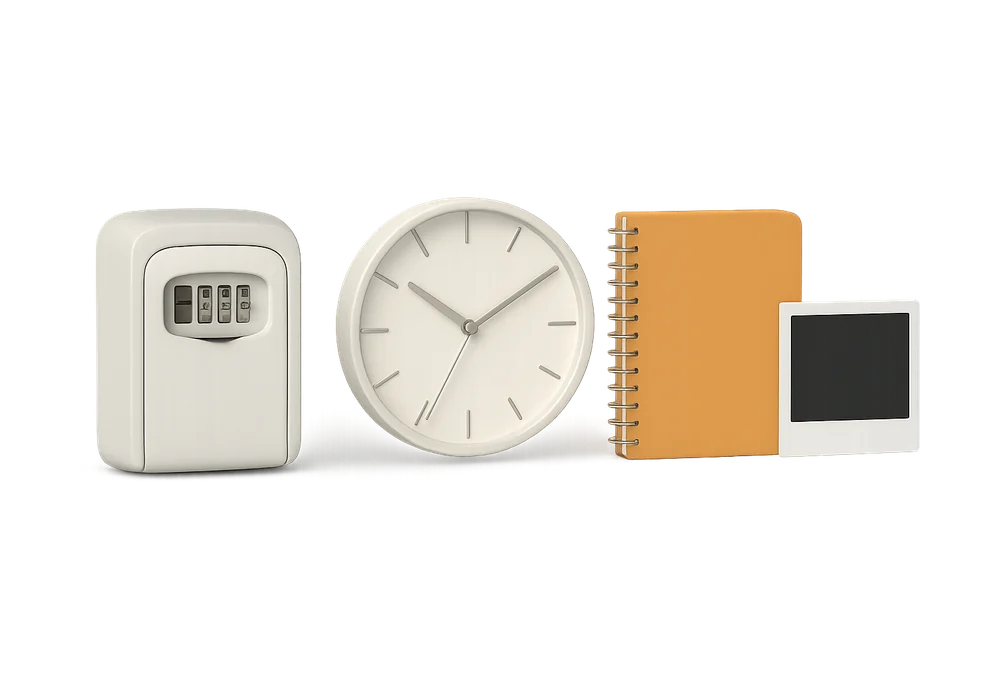
Finally, if you entrust laundry, codes or restocking to your cleaner, use the extra features: the access safe shares the codes and key box location with the day’s cleaner, and consumables stock, with gauge and low-level alerts, avoids the panicked “there’s no toilet paper” message on a Saturday at 2pm.
Your questions
Is Airbnb iCal syncing really free?
On Airbnb’s side, iCal export is a standard feature included in your host account. On CleanClac’s side, syncing is included in the per-property subscription, from €9.99/month, with a free first property and no card required. Cleaners never pay anything: their access is free for life, no matter how many you have.
What happens if a guest cancels their booking?
The cancelled booking disappears from the iCal feed published by Airbnb, and the linked cleaning is removed from the schedule. For a last-minute cancellation, still message your cleaner via the built-in chat if they’re about to leave: iCal syncing refreshes at regular intervals, not instantly.
Can I combine Airbnb, Booking and direct bookings?
Yes. Add both the Airbnb and Booking or Vrbo iCal links to the same property: all checkouts, whatever the platform, create their cleaning automatically. Direct bookings, owner stays or deep cleans are scheduled manually and sit alongside automatic cleans in the same calendar.
I already use a channel manager or PMS, is iCal still useful?
If your PMS is among CleanClac’s direct connectors (Beds24, Smoobu, Lodgify, Hostaway, Guesty, SuperHote), use the connector: it pulls bookings from the source. CleanClac doesn’t replace your PMS: it plugs in and manages cleaning, team, checklists and photo proofs. iCal remains the universal solution for other cases.
How does my cleaner prove the clean is finished?
At the end of the job, they send photos or a video from the app. These proofs are timestamped by the CleanClac server, with a digital fingerprint and GPS location: it’s impossible to backdate them, for both cleaner and manager. In case of a dispute about cleanliness on arrival, you have a dated, geolocated factual record.
How long should I allow for a clean between guests?
Allow about 35-45 minutes for a studio, around 60 minutes for a one-bedroom flat of 50m² and 100 to 120 minutes for a house of 100-125m², according to professional benchmarks. Add time for laundry if it’s done on site. CleanClac tracks the actual duration of each clean, so you can adjust your slots based on real data.

Written by Jonathan
Published on August 7, 2026 · Updated on August 23, 2026
Read next
 iCal Sync: Airbnb, Booking.com and Your CleaningAirbnb iCal sync with Booking.com: what the .ics file contains, real refresh times per platform, troubleshooting, and wiring up your cleaning rota.Tools and automation
 Automating Your Short-Term Rental: The 2026 GuideMessages, pricing, check-in, cleaning, reviews: what can really be delegated to tools in 2026, how much time you save, and where to start.Tools and automation
 Cleaning Management Apps: The Criteria That MatterSync calendars, checklists, photo evidence, team management: the key criteria for choosing your Airbnb cleaning management app, and how to calculate ROI.
Move from theory to practice.
One property free to put all of this in place, for as long as it takes.