Cleaning Management Apps: The Criteria That Matter
Sync calendars, checklists, photo evidence, team management: the key criteria for choosing your Airbnb cleaning management app, and how to calculate ROI.
A missed departure in the WhatsApp group, a cleaner arriving to find the property still occupied, a guest walking into an uncleaned flat: most hosts start looking for a cleaning management app after a mishap, not before. Dozens of Airbnb cleaning software tools promise the same thing: never miss a clean again. But some truly automate, while others simply move the problem into a prettier interface. Here are the criteria that separate the two, the most costly mistakes, and a simple method to calculate your return on investment.
Why Spreadsheets and WhatsApp Always End Up Failing
With just one property and one cleaner, a few messages almost suffice. The system starts to crack as soon as the volume increases, for three reasons.
First, information isn’t synchronised. Your bookings live in Airbnb, Booking, or your PMS; your cleaning rota lives in a spreadsheet or message thread. Every cancellation, extension, or last-minute booking requires manual transcription, and every transcription is a chance for error.
Next, nothing is verifiable. A message saying “done” doesn’t tell you if all 40 checkpoints were covered or what time the clean actually finished. And this matters: in a Vrbo survey from April 2026 of 1,758 travellers, 78% cited spotless cleanliness as the top sign of a quality listing (Vrbo, 2026).
Finally, the system relies on one person: you. On holiday, unwell, or overwhelmed, you remain the bottleneck. A good app removes humans from repetitive tasks (creating cleans, notifying cleaners, chasing up) and keeps them for decisions.
Criterion 1: Automatic Sync with Your Bookings
This is the deal-breaker. If the app asks you to create each clean by hand, you’ve bought a diary, not an automation tool. There are two mechanisms:
- iCal synchronisation: every Airbnb, Booking, or Vrbo listing provides a calendar link. The app reads it regularly and creates a clean for each guest departure detected, at the default slot you’ve set for the property. This is the universal solution, which works even without a PMS.
- PMS or channel manager connector: if your bookings go through a tool like Smoobu, Beds24, Guesty, Hostaway, Lodgify, or Superhote, a direct connector pulls bookings from the source, with more detail than an iCal feed.
Points to check before committing: how often the calendar refreshes, how cancellations are handled (the clean should disappear or be flagged, not left orphaned), how date changes are managed, and what happens with same-day turnovers (a check-out at 11am followed by a check-in at 4pm, with no margin for error). For a detailed explanation, see our guide iCal Sync: Airbnb, Booking.com and Your Cleaning.

Checklists and Photo Evidence: Verifiable Quality
The second pillar of good Airbnb cleaning software is quality control. Two features make all the difference.
Detailed Checklists, Tailored to Each Property
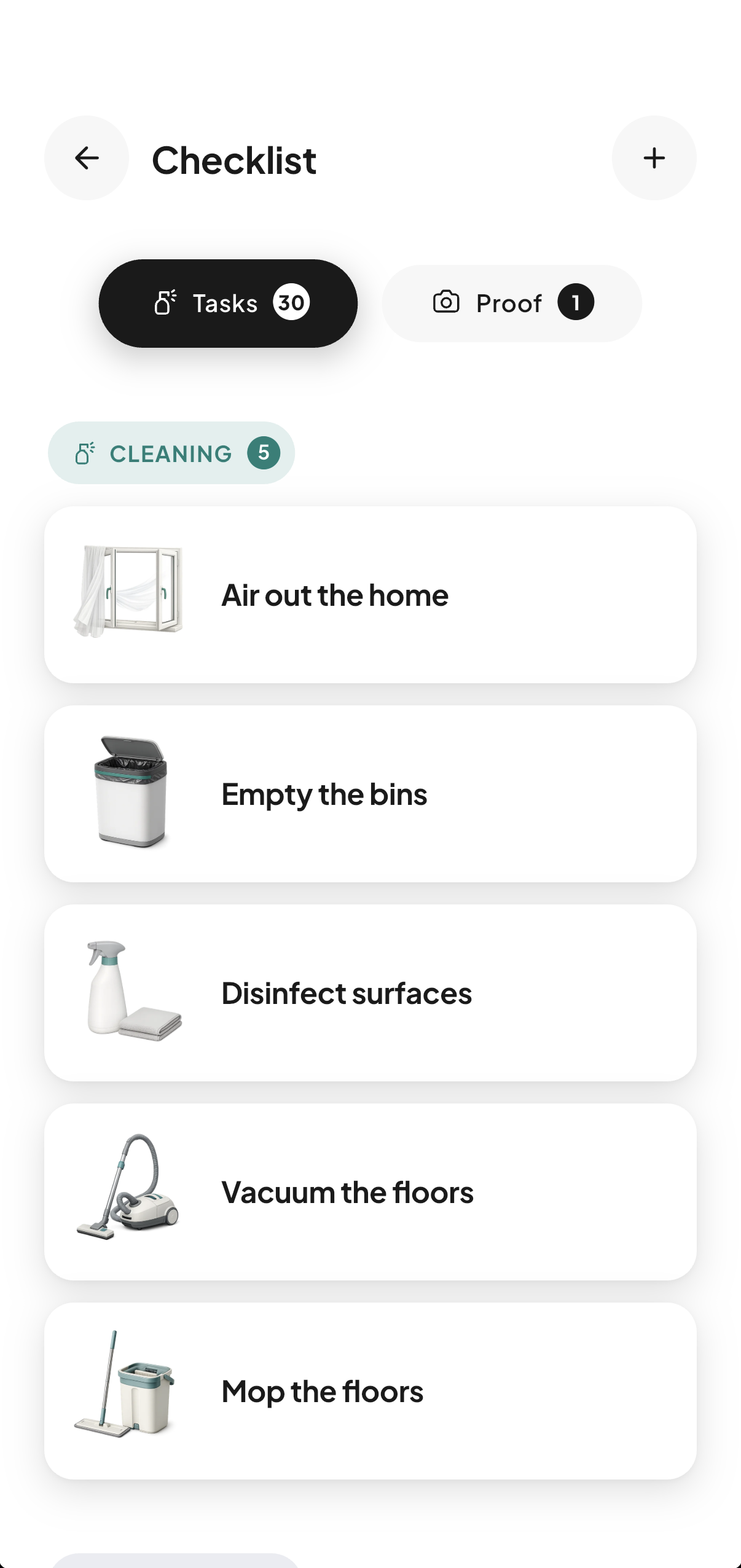
A generic checklist like “clean the kitchen” is useless. Look for property-specific checklists, organised by section (cleaning, finishing touches, linen, restocking, comfort), ideally with photos: a reference photo of a perfectly made bed removes any doubt, especially with a stand-in cleaner. The best apps offer a catalogue of ready-made tasks (around 200 in some cases) to adapt for each property.
Photo Evidence That Can’t Be Argued With
End-of-clean photos are now standard. But not all photos are equal: an image sent by message could be from last week. Serious apps offer photos or videos timestamped by the server, sometimes with GPS location and a digital file signature, making backdating impossible. If a guest disputes cleanliness, you can produce evidence dated 2:32pm on their arrival day. The financial stakes are real: a cleanliness rating below 4.8 stars costs about 20% of bookings according to industry analysis (TurnoverPing, 2026). Our article Cleaning Quality Control: Always Require Photos explains how to structure this control.
A useful extra: a condition rating on arrival (1 to 5 stars) given by the cleaner, which flags problematic stays and documents compensation claims.
Team Management: The Criterion That Decides the Real Price
This is where business models differ most, and where many hosts get caught out.
Some apps charge per team member: each cleaner or manager you add increases your bill. Others charge per property, with unlimited, free cleaners. The difference seems minor at first; it becomes crucial with several cleaners, occasional stand-ins, or if you run a management company. And that’s exactly where the market is: the typical French management company portfolio is between 30 and 50 properties, in a segment growing by about 15% in 2025 (Livret Accueil, 2026 study).
Beyond price, check the team features themselves:
- Job assignment: can you set a default cleaner per property, offer a job to several people, handle refusals?
- Roles and scopes: an intermediate manager role, with delegated property scope, is essential once you have more than about ten properties.
- Check-in and real duration: on-site check-in, ideally with geolocation, real job duration, and alerts for overruns, finally gives you reliable data to pay and estimate fairly.
- Access transmission: key safe or smart lock codes sent automatically to the cleaner on duty, rather than copied into a stray SMS.
- Integrated messaging: keeping all communication in the app avoids the sneaky return to WhatsApp.

Secondary Features That Quickly Become Essential
Three features often go unnoticed when choosing, then are sorely missed six months later.
Consumables stock. Toilet paper, pods, welcome products: restocking is the second biggest cause of nasty surprises after a missed clean. A stock gauge per property, updated by cleaners, with threshold alerts, turns an unpredictable chore into a routine.
Emergency cover. What if your usual cleaner is ill on a peak-season Saturday? Some apps include a search for available cleaners near the property, within a set radius. This safety net is worth its weight in gold when the day comes.
Languages. If your team is multilingual, an interface available in several languages (up to six with the most international providers) removes a real barrier. An app the team can’t understand will be abandoned within three weeks.
The Five Most Common Mistakes When Choosing
Mistake 1: Choosing a PMS thinking you’re buying a cleaning tool. A PMS or channel manager handles bookings, rates, and guest communication. The cleaning operations layer (team rota, checklists, evidence, stock) is usually rudimentary. The two tools are complementary, not interchangeable: the right setup is to connect the cleaning app to the PMS.
Mistake 2: Deciding alone, without your cleaners. The app will be used daily by your cleaner, not you. If the mobile interface is confusing or in a language they don’t speak, they’ll go back to SMS. Have the team test it during the free trial, on real jobs.
Mistake 3: Underestimating the pricing model. An attractive per-user price becomes a money pit with 8 cleaners. Do the maths for your real setup over 12 months, not just the homepage price.
Mistake 4: Ignoring synchronisation edge cases. Cancellations, date changes, same-day turnovers, last-minute bookings: test these scenarios during the trial. This is where mediocre apps reveal themselves.
Mistake 5: Trying to digitise everything at once. Start with the core flow (booking detected, clean created, cleaner notified, photo evidence), stabilise it, then add detailed checklists, stock, and reporting. Gradual adoption sticks; a big bang fails.

Calculating ROI: The Three-Line Method
Return on investment comes down to three areas.
1. Coordination time. Count the hours spent each week checking calendars, notifying, chasing, verifying: for a host with 3 properties, 2 to 3 hours a week is common. At £25 per hour, that’s £200 to £300 per month. An app costing around £15 per month for 2-3 properties pays for itself in the first week.
2. The cost of an avoided incident. A missed clean with a guest at the door ends in the best case with a goodwill gesture, in the worst with a public negative review. With the threshold effect on cleanliness ratings (about 20% fewer bookings below 4.8 stars), a single disastrous review pays for several years’ subscription.
3. Data for fair pay. A clean of a 2-bed flat of about 50m² takes on average 60 minutes (QuelConcierge, 2024). Without measurement, you pay a flat rate based on a guess; with check-in and real duration, you spot under- or over-estimated jobs and adjust, both ways. Over a year, the difference runs to hundreds of pounds.
The calculation is the same everywhere: (hours saved × hourly rate) + (incidents avoided × average cost) + (corrected billing discrepancies) − subscription cost. If the result isn’t positive by the second month, the tool is probably oversized.
Your questions
What’s the difference between a cleaning management app and a PMS?
A PMS (or channel manager) handles the commercial side: bookings, calendars, rates, listings, guest messages. The cleaning management app handles the operational side: job scheduling, team, checklists, photo evidence, stock. The two work together: the app connects to the PMS or iCal calendars to create jobs for each departure.
Is a cleaning app useful with just one property?
Yes, as soon as you delegate cleaning to someone else. Even with one property, synchronisation prevents last-minute slip-ups, the checklist ensures consistent standards, and timestamped photo evidence protects you in case of guest disputes. From around £10 per month for one property, the tool pays for itself with the first avoided incident.
How much does Airbnb cleaning software cost?
Pricing models vary widely: per property, per user, or per job. For per-property pricing, expect the first property to be free, then around €9.99 per month for two properties and €14.99 for 3-4 from providers using this model, often with unlimited cleaners at no extra cost. Always compare based on your real setup (number of properties and team size) projected over 12 months.
Do my cleaners have to pay or install anything?
It depends on the app. The best scenario for adoption: a free mobile app for cleaners, with no limit on numbers, where each receives their jobs, ticks off checklists, and uploads photo evidence. Check this before choosing, as per-cleaner fees discourage adding occasional stand-ins.
How can I test an app before subscribing?
Use the free trial (often 14 days, sometimes no card required) in real conditions: connect your real calendars, invite your team, let it run for two weeks. Deliberately test a cancellation and a date change to see how sync works. Your cleaners’ feedback matters as much as your own.
Are timestamped photos valid in case of a dispute?
A photo timestamped by the server, with a digital file signature and GPS location, can’t be backdated by the cleaner or manager. It’s solid factual evidence for guest disputes or documenting damage for the platform, far more convincing than a photo sent by message where the date can be changed.

Written by Jonathan
Published on August 7, 2026 · Updated on August 23, 2026
Read next
 iCal Sync: Airbnb, Booking.com and Your CleaningAirbnb iCal sync with Booking.com: what the .ics file contains, real refresh times per platform, troubleshooting, and wiring up your cleaning rota.Tools and automation
 Automating Your Short-Term Rental: The 2026 GuideMessages, pricing, check-in, cleaning, reviews: what can really be delegated to tools in 2026, how much time you save, and where to start.Tools and automation
 Channel manager, PMS, cleaning tool: who does what?Channel manager, PMS, cleaning tool: roles, differences and typical combinations depending on your portfolio size, so you can choose without paying twice.
Move from theory to practice.
One property free to put all of this in place, for as long as it takes.