Smart lock for short-term rentals: how to choose well
Code, Bluetooth or WiFi: compare smart locks for your Airbnb, manage access for your cleaning team and keep control of your budget.
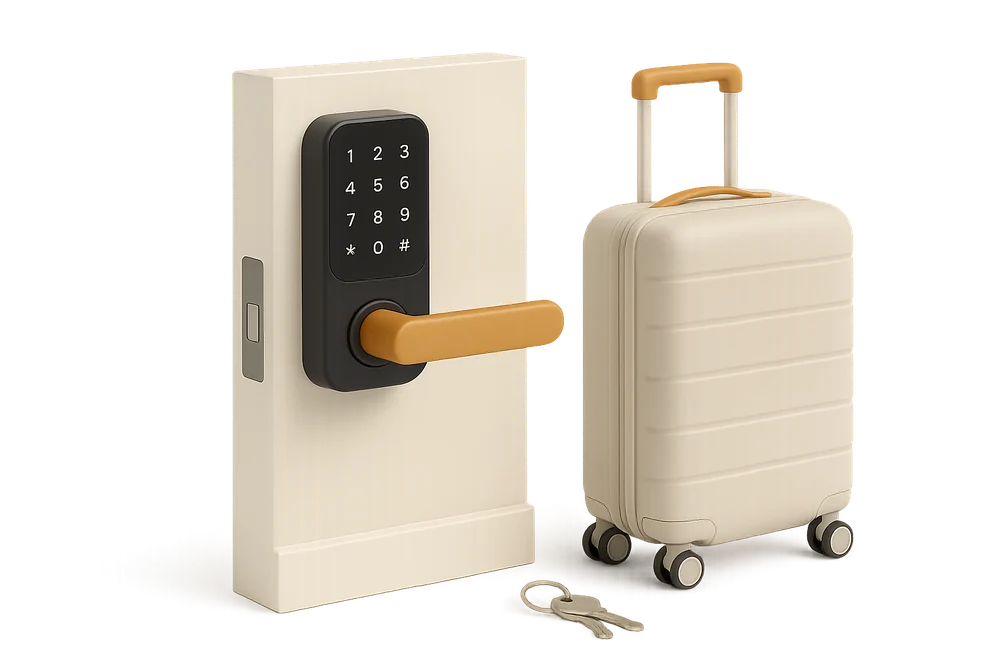
A guest arriving at 11pm on a Friday, a cleaner waiting outside because the key left in the previous guest’s pocket, a lost spare to replace in a rush: key management is one of the most expensive headaches in short-term rentals. Every physical handover means you must be available, or pay someone to be. A smart lock removes this bottleneck, as long as you choose the right type for your property, your team and your budget. Here’s how to decide between code, Bluetooth and WiFi, and how to make it a real tool for your cleaners, not just a gadget for guests.
Why smart locks have become the new standard
This is no longer a niche topic: 67% of guests want self check-in, according to the Guest Communication Study by Touch Stay conducted with 2,024 travellers in 2024. The same company analysed 37,359 conversations between hosts and guests: check-in is the second most requested topic, just after WiFi, and 88.7% of guests expect detailed arrival instructions including codes and access.
On the operations side, the stakes are just as high. A property sees not only guests but also cleaners, a maintenance technician, sometimes a linen delivery. With physical keys, every extra person means more trips and more risk of loss. With a smart lock, everyone gets a personal, time-limited code:
- No more trips for key handovers, even for late arrivals or early departures.
- Access traceability: the lock’s log shows which code was used and when, invaluable in case of a dispute or uncertainty about who entered.
- Immediate revocation: a compromised code can be disabled in seconds, whereas a lost key means changing the lock cylinder.
The three main types: code, Bluetooth, WiFi
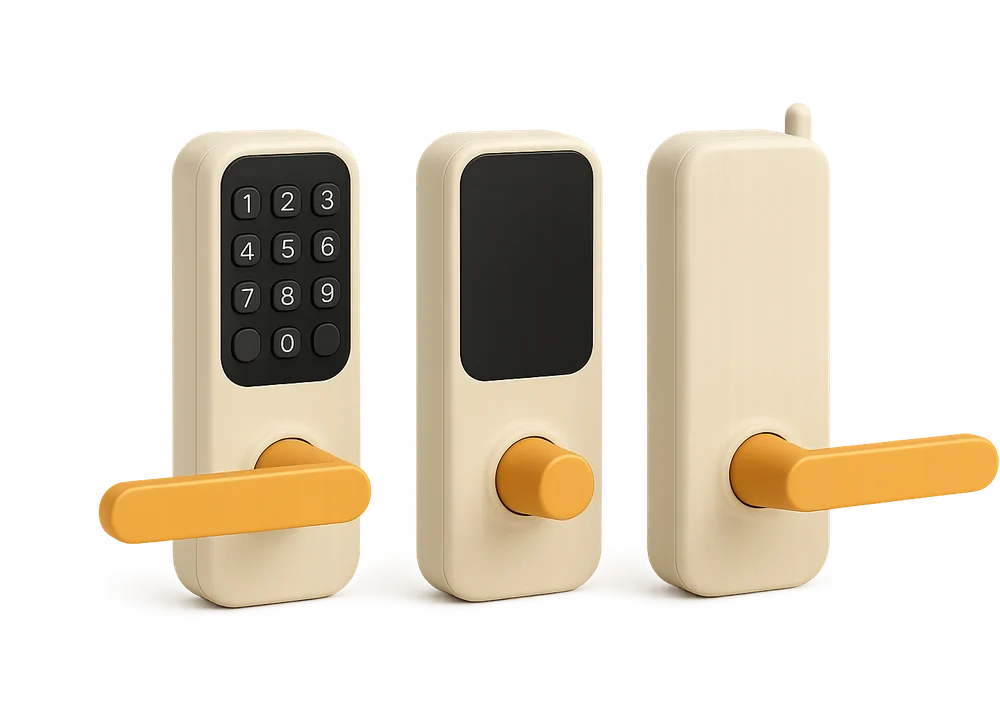
The real question isn’t the brand, but the communication method: this determines what you can control remotely.
Standalone code locks
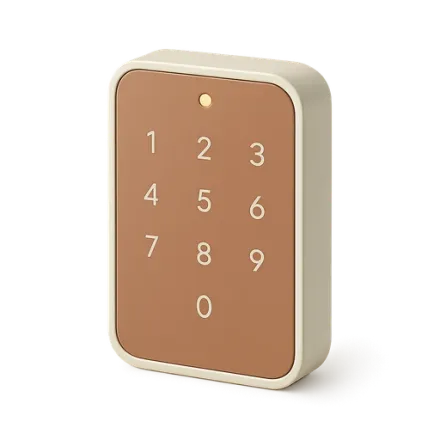
The simplest: a mechanical or electronic keypad on the door, codes programmed locally, no internet connection. They never fail due to network issues and are the cheapest.
Their limitation is clear: to create or delete a code, you must be physically at the lock. Many hosts work around this with a single permanent code, which defeats the security purpose: all former guests and cleaners know it. Best for properties you visit very regularly.
Bluetooth locks
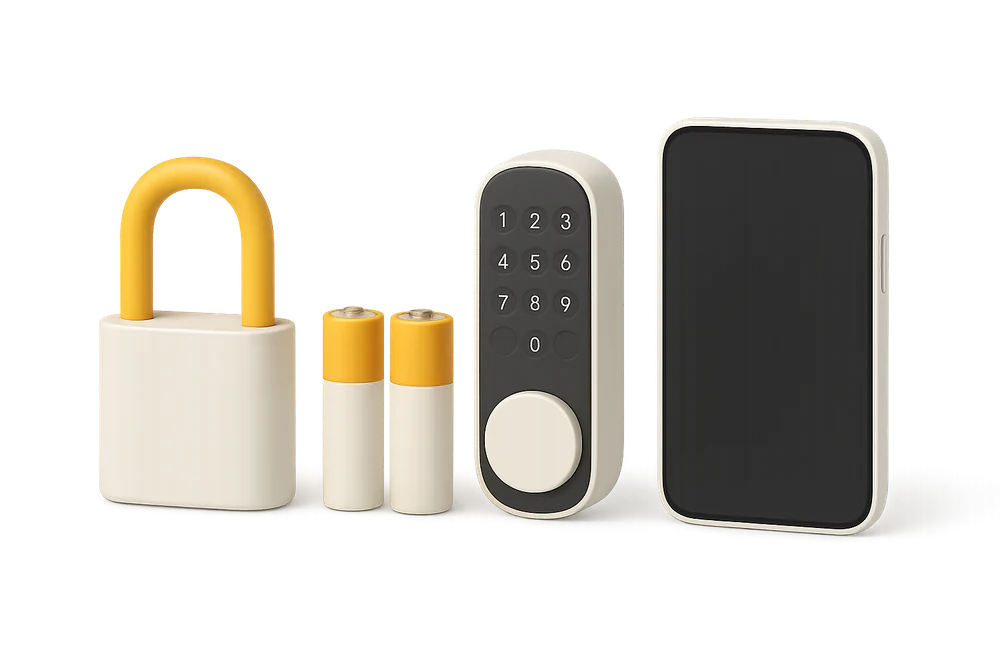
The lock communicates with a nearby smartphone (about ten metres). The app lets you generate virtual keys and codes, but remote programming only works if someone is on site, or if you add a WiFi bridge (a small box plugged in at the property that relays commands via the internet).
This is the most common compromise: models like the Nuki Smart Lock fit onto the existing cylinder on the inside, without drilling the door, a real advantage in shared buildings. Don’t forget to budget for the bridge if you manage remotely, which is almost always the case.
WiFi locks and fully connected solutions
The lock is directly connected to the internet, no bridge needed. You can create, modify and delete codes from anywhere, in real time: guest extends their stay, last-minute replacement cleaner, all sorted from your phone. Some models integrate with PMS systems to automatically generate a code for each booking.
The downside: higher battery consumption (expect to change them every 3 to 6 months depending on use) and reliance on the property’s internet. If the WiFi goes down, already programmed codes still work, but you lose remote control until the network is back.
And what about the smart key box?
A budget-friendly alternative: a coded key box fixed near the door. It keeps physical keys but removes the need for in-person handover. It’s often the first step before a smart lock, especially when the building rules forbid touching the door. We cover this option in detail in Self check-in: key safe or smart lock?.
Temporary codes: your secret weapon for cleaning teams
Smart locks are often sold as a guest convenience. In reality, the biggest return on investment is for your cleaning team, with three best practices:
One code per person, never a shared code. Each cleaner, each maintenance technician gets their own code. The access log becomes useful: you know cleaning started at 11:04 and the technician arrived at 15:30. A code shared by five people proves nothing.
Time-limited codes. A guest code valid from 3pm arrival to 11am departure, a cleaner code valid only on cleaning day. After the set time, the code stops working: this is the best protection against codes “floating around” with a former contractor or last summer’s guest.
Automated, never manual, code sharing. The classic failure point: the code exists, but the cleaner hasn’t received it, or got last week’s code. Centralise access info in your cleaning management tool rather than scattered SMS. In CleanClac, each property’s access vault (codes, key box location, entry instructions) is automatically sent to the cleaner assigned for the day.
This trio becomes essential as soon as you manage remotely or have several people rotating. If that’s your case, the article Remote Cleaning Management for Short-Term Rentals is a useful follow-up to this guide.
Security: 5 things to check before you buy
A poorly chosen smart lock can be less secure than a traditional one. Check each model against these criteria:
- Mechanical certification.The physical part is still your first line of defence: look for a certified anti-burglary rating (A2P in France for cylinders). Fancy electronics on a weak cylinder protect nothing.
- Encrypted communications.All exchanges between lock, bridge and app should be end-to-end encrypted; reputable manufacturers publish their security audits.
- Limited-use codes and brute-force protection.The lock should allow codes with expiry dates and lock itself after several wrong attempts, to block brute-force attacks on the keypad.
- Low battery alerts and emergency opening.Insist on a warning well before batteries die and a plan B: retained key cylinder, external power contacts or backup battery. A guest locked out at midnight is the fastest route to a 1-star review.
- Remotely revocable user management.The ability to remove access in seconds, without visiting the property: this is why standalone locks are not suitable for remote management.
Simple rule: change permanent codes at least twice a year, and immediately after a team member leaves.
Budget: what to expect, and what’s the payback
Typical price ranges seen in the French market in 2026:
- Coded key box: about €25 to €80 depending on sturdiness, no subscription.
- Standalone code lock: about €80 to €150.
- Bluetooth lock like Nuki or similar: about €150 to €250, plus €80 to €100 for the WiFi bridge for remote control.
- WiFi lock or PMS-integrated solution: about €250 to €450, sometimes with a monthly software subscription for advanced features (integrations, extended logs).
Add possible installation by a locksmith (often €80 to €150) and a few euros for batteries per year.
To assess return on investment, compare to the real cost of key handovers: if each one takes you 30 minutes and your property has a hundred arrivals and as many cleans per year, the lock pays for itself in a few months. The stakes go beyond logistics: 56% of guests expect a reply within an hour if there’s a problem according to Vrbo, and an access issue is exactly the kind of emergency a remotely generated code can solve in two minutes.
Regulations and building rules: pitfalls to avoid
Three checks before you get out the drill:
Building rules. A lock fitted on the inside to the existing cylinder (Bluetooth type, no drilling) usually passes without authorisation; a keypad screwed to the landing side may need approval from the building manager. For key boxes fixed in communal areas or on public property, approval is almost always required, and some cities ban them on street furniture.
Local rules on self check-in. This is changing fast: in Italy, the Ministry of the Interior has required since late 2024 that guests be identified in person, challenging the use of key boxes, a position now being contested in court (source: Ministero del Turismo). Outside France, check your country’s rules before investing.
Platform requirements. Airbnb requires clear arrival instructions in the listing and that these are sent before the stay; the Airbnb Help Centre details best practices for self check-in. Poorly documented self check-in leads to last-minute messages and mediocre reviews.
How to choose for your situation
You have 1 property, close to home. A standalone code lock or sturdy key box is often enough, as long as you’re strict about changing codes. Move to Bluetooth with bridge if late arrivals become frequent.
You have 1 to 3 properties and manage remotely. Bluetooth lock with bridge, or WiFi, is the right choice: codes per booking, cleaner codes limited to cleaning day, access log. This is the profile that benefits most from automating the whole chain, from booking to code delivery, as detailed in Automating Your Short-Term Rental: The 2026 Guide.
You’re a management company with 5 to 50 properties. Standardise: one lock brand across all properties, PMS integration for guest codes, a cleaning tool that pushes access info to cleaners. Every different model multiplies procedures, apps and on-the-ground errors.
In all cases, keep a written backup procedure in your welcome book: what should the guest do if the code doesn’t work, who do they call, where is the emergency key?
Your questions
What’s the best smart lock for an Airbnb?
There’s no universal model: it depends on your door, your building rules and your management style. For remote management, choose a lock controllable via the internet (WiFi or Bluetooth with bridge), with time-limited codes, access logs and low battery alerts. Models that fit onto the existing cylinder avoid building rule conflicts.
How do I give my cleaner access without sharing the guest code?
Create a dedicated code for each cleaner, valid only on the cleaning day and during the scheduled slot. Never share the guest code: it expires at checkout and sharing it breaks traceability. Then centralise code delivery in your cleaning management tool, so the day’s cleaner automatically gets the right code without SMS exchanges.
Does a smart lock work if the internet is down or the batteries run out?
Already programmed codes keep working without internet: only remote changes are unavailable. For batteries, good locks give several weeks’ warning before they die and offer a backup solution (physical key, external power). Check both points before buying and provide a written procedure for guests.
Are key boxes allowed everywhere?
No. In shared buildings, fixing one in communal areas usually needs approval, and several cities ban key boxes on street furniture. In Italy, a ministerial position from late 2024 requires guests to be identified in person and challenges key boxes. Check local rules before installing, and prefer fixing to your own door or private wall.
How much does it cost to equip a property with a smart lock?
Budget about €80 to €150 for a standalone code lock, €150 to €250 for a Bluetooth model (plus €80 to €100 for the bridge for remote control) and €250 to €450 for a WiFi solution that integrates with your PMS, not including installation. The investment pays off quickly as soon as physical key handovers disappear.

Written by Jonathan
Published on August 7, 2026 · Updated on August 18, 2026
Read next
 iCal Sync: Airbnb, Booking.com and Your CleaningAirbnb iCal sync with Booking.com: what the .ics file contains, real refresh times per platform, troubleshooting, and wiring up your cleaning rota.Tools and automation
 Automating Your Short-Term Rental: The 2026 GuideMessages, pricing, check-in, cleaning, reviews: what can really be delegated to tools in 2026, how much time you save, and where to start.Tools and automation
 Cleaning Management Apps: The Criteria That MatterSync calendars, checklists, photo evidence, team management: the key criteria for choosing your Airbnb cleaning management app, and how to calculate ROI.
Move from theory to practice.
One property free to put all of this in place, for as long as it takes.