
AI and Short-Term Rentals: Practical Uses for Hosts
Guest replies, dynamic pricing, listings, review analysis: what artificial intelligence really does for an Airbnb host, and its limits.
A guest messages you at 11:40pm asking for the gate code. Another negotiates an early check-in while you’re at work. Between two messages, you should also adjust your prices for the bank holiday weekend, reply to a lukewarm review, and rewrite a listing that’s no longer performing. Artificial intelligence promises to handle it all, but between marketing hype and reality, it’s hard to tell what really works. Here are the concrete uses of AI in short-term rentals: the ones that save you time this week, and those best kept under human control.
Replying to guests: the first measurable time-saver
Messaging is the most time-consuming part of hosting. The same questions come up again and again: wifi code, arrival time, parking, washing machine. And guests expect fast replies: according to a 2026 Vrbo study, 56% of travellers expect a response within an hour if there’s a problem (Vrbo / Businesswire). On the platform side, Superhost status requires a response rate of at least 90% within 24 hours (Airbnb Help Centre).
AI steps in at three levels, from the simplest to the most autonomous:
- Suggested repliesAirbnb and Booking already offer quick replies and suggestions automatically generated from your listing. No setup needed, but sometimes the answers miss the point.
- Assisted draftsA conversational assistant (ChatGPT, Claude, Gemini) drafts a reply based on the guest’s message and your property details. You review, edit, and send. Expect 30 seconds per message instead of 5 minutes.
- Connected agentsMost PMS on the market (Guesty, Hostaway, Smoobu) now include AI modules that reply directly to common questions by drawing on your knowledge base, escalating to you when the topic is sensitive.
The golden rule, whatever the level: AI only replies well if it knows your property. Write a comprehensive reference sheet (access codes, amenities, rules, parking, transport, common issues) and give it to the tool as context. Without this, AI improvises, and an AI improvising an entry code means a guest stuck outside. To structure this answer library, use proven scenarios: Automatic Airbnb Messages, Without Losing the Human.

Dynamic pricing: the most profitable use
This is the oldest and most mature application of artificial intelligence in short-term rentals. Tools like PriceLabs, Beyond, or Wheelhouse analyse local demand, events, seasonality, lead time, and comparable property prices daily, then automatically adjust your rates night by night.
This is far from trivial. Average occupancy in France is around 63%, with big local differences: 71% in Paris, 75% in Nice (PriceLabs). A fixed-price calendar always leaves money on the table: too expensive in the off-season, it sits empty; too cheap during a festival, it fills up but loses you margin.
In practice, a well-tuned pricing engine handles for you:
- Daily adjustment of each night’s price according to real-time demand.
- Orphan nights: a single night between bookings is discounted or made more flexible (minimum stay reduced) to sell rather than lose it.
- Last-minute discounts and price increases for event dates you hadn’t spotted.
- Variable minimum stays depending on the period, to limit unprofitable turnovers in high season.
Two safeguards remain essential. First, a minimum price: set the rate below which a night no longer covers your real costs (cleaning, linen, consumables, commissions) and prevent the algorithm from going lower. Then, a monthly review: AI optimises what it measures, not what it doesn’t know. If you’ve just renovated or noisy building works start opposite, it’s up to you to tell it via the settings.
Writing titles, descriptions, and multilingual listings
Second immediate use: writing. A general AI assistant can produce a catchy title, a structured description, and platform-specific variants in minutes, where many hosts spend hours staring at a blank page.
The method that works has three steps:
- Provide the raw facts, all the facts, nothing but the factsFloor area, exact number of beds, real amenities, floor, neighbourhood, checked distances, constraints (steep stairs, no lift, lively street). The more precise the input, the less AI invents.
- Ask for several versionsOne for “families”, one for “remote workers”, one for “romantic weekends”, then combine the best of each.
- Proofread line by line to catch inventionsThis is the step rushed hosts skip, but it’s the most important. An AI that adds a non-existent “queen size bed” or an imaginary “private parking” creates future complaints and negative reviews. In short-term rentals, an unkept promise costs more than a plain listing.
AI also excels at translation: offering your listing and welcome book in English, Spanish, or German really does broaden your audience, as long as you have a human check the critical parts (access, deposit, rules) or keep them deliberately simple. Finally, be careful with AI photo editing: adjusting brightness is fine; erasing wires or visually enlarging a room is not. Guests always compare the photo to reality, and it’s reality that writes the review.
Analysing your reviews: the most underused goldmine
Your reviews contain a complete action plan that almost no one reads in full. The most profitable exercise takes ten minutes: copy your last 30 to 50 comments into an AI assistant and ask it to extract the recurring themes, positive and negative, ranked by frequency.
The result is often surprising. “Shower pressure” mentioned four times in six months is a €40 showerhead you’ve put off replacing for a year. The recurring “noisy neighbourhood” is solved with a pair of earplugs and an honest mention in the listing. This work pays off directly: according to the key Cornell study, one extra review point (out of 5) lets you raise your price by about 11.2% at constant occupancy (Cornell / eCornell). Every recurring annoyance you remove is a revenue lever, not just a comfort boost.
AI also helps reply to negative reviews: it produces a factual, calm first draft, which is invaluable when you’re upset and tempted to reply in the heat of the moment. Still, keep control of the substance: acknowledge what’s true, correct what’s false, announce what you’ve changed. An overly smooth, obviously generated reply does more harm than an imperfect human one. And if the analysis shows cleanliness keeps coming up, it’s no longer a writing issue but an operational one: 10 cleaning mistakes that cost you bad reviews.

What AI won’t do for you
This is the part tool providers rarely highlight, yet it determines everything else.
Hallucinations are not a minor detail. A language model can confidently state that a refund is possible, that pets are allowed, or that a cot is available. Every automatic reply that commits you (money, safety, access) must be locked down by strict rules or validated by a human.
Sensitive situations require a human. A water leak at 2am, a guest in distress, a deposit dispute, a party getting out of hand: AI can detect and alert, not arbitrate. Always set up escalation to your phone for these cases.
The generic tone is obvious. Guests are getting better at spotting robotic messages. For high-stakes messages (personal welcome, complaint response), a few lines written by you are better than a perfect paragraph from a machine.
Personal data requires caution. Never paste guests’ ID documents, phone numbers, or bank details into a public tool. Use professional tools with clear GDPR compliance, and anonymise what you submit.
And above all, AI doesn’t do the hoovering. It optimises your prices and messages, but the service that earns you a 5-star review is physical: a spotless property, a well-made bed, a flawless bathroom. The same Vrbo study reminds us: 78% of travellers cite impeccable cleanliness as the top quality signal for a listing. On-the-ground coordination (cleaning schedules, team, quality control) is the job of operational tools, not a chatbot: Automating Your Short-Term Rental: The 2026 Guide.
Where to start: four steps in order
No need to roll everything out at once. Here’s the order that maximises return on effort for a host with 1 to 3 properties or a small management company:
- Dynamic pricing(week 1): the only use where the impact is visible directly in your revenue. Activate a tool, set your minimum price, let it run for a month, compare.
- Knowledge base and assisted replies(weeks 2-3): write your property reference sheet, connect it to your messaging or PMS suggested replies, keep human validation for the first month.
- Listing overhaul(week 4): titles, description, translations, with systematic fact-checking.
- Quarterly review of reviews(ongoing): ten minutes of AI analysis every three months, an action plan of up to three improvements each time.
Total budget: most of these uses cost from £0 to a few dozen pounds per month per property, well below the gain from a single night sold at the right price or a single negative review avoided.

Your questions
Can AI reply to all guest messages on its own?
No, and that’s not desirable. It handles recurring factual questions (wifi, arrival, parking) very well when it has a complete knowledge base for your property. But any message that commits you (refund, dispute, emergency, complaint) should go to a human. The right setup: automatic replies for factual queries, drafts to approve for sensitive ones.
Which AI tool should I use to set my Airbnb prices?
The market leaders are PriceLabs, Beyond, and Wheelhouse. All analyse local demand and adjust your rates daily. The choice comes down to price, user-friendliness, and integration with your PMS or platforms. Whatever the tool, set a minimum price that covers your real costs and check the settings once a month.
Does Airbnb penalise listings written by AI?
No, no platform penalises using AI to write listings. What is penalised, directly or via reviews, is false information: invented amenities, exaggerated capacity, misleading photos. Use AI to structure and rephrase, but check every statement. You remain responsible for your published content.
How much do AI tools cost for a host?
General assistants (ChatGPT, Claude) are available free or around £20/month. Dynamic pricing tools are usually charged per property, often between £10 and £30/month. AI messaging modules are often included in PMS. For 1 to 3 properties, a budget of £20 to £60/month covers most of the uses described here.
Can AI manage cleaning between bookings?
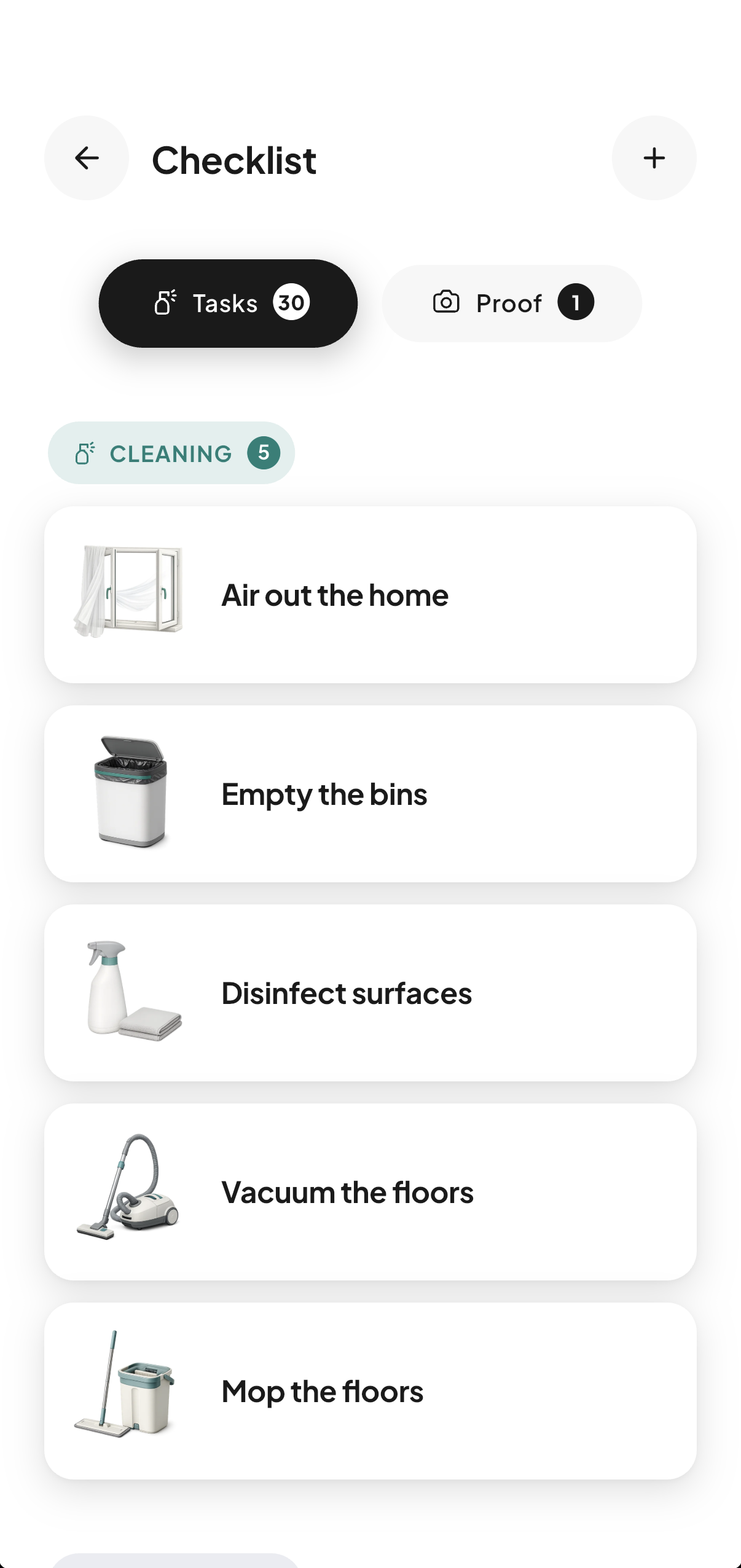
It can help with planning, not execution or quality control. Automatic cleaning scheduling is handled by tools connected to booking calendars: an app like CleanClac creates a cleaning job at every guest departure via iCal sync or PMS connectors, notifies the cleaner, and collects timestamped photo proof. Conversational AI, on the other hand, sees neither the calendar nor the property.
Should I tell guests they’re getting an AI reply?
It’s good practice, especially if replies are sent without human validation. A simple note like “instant automatic reply, a human will respond to any special request” avoids frustration if the answer misses the mark. Transparency also protects your communication rating: guests forgive a declared machine, not a host they think is careless.

Written by Jonathan
Published on August 7, 2026 · Updated on August 18, 2026
Read next
 iCal Sync: Airbnb, Booking.com and Your CleaningAirbnb iCal sync with Booking.com: what the .ics file contains, real refresh times per platform, troubleshooting, and wiring up your cleaning rota.Tools and automation
 Automating Your Short-Term Rental: The 2026 GuideMessages, pricing, check-in, cleaning, reviews: what can really be delegated to tools in 2026, how much time you save, and where to start.Tools and automation
 Cleaning Management Apps: The Criteria That MatterSync calendars, checklists, photo evidence, team management: the key criteria for choosing your Airbnb cleaning management app, and how to calculate ROI.
Move from theory to practice.
One property free to put all of this in place, for as long as it takes.