

Key takeaways
- An Airbnb guidebook is a collection of your local tips, and it answers the "where should we eat?" questions before guests ask them.
- The best entries are places you know first-hand, each with one short reason to go.
- Airbnb's built-in guidebook is free and covers most single-home hosts, so look at a separate tool only if it clearly falls short.
Take a guest who arrives on Friday and messages you on Saturday morning to ask where to get breakfast, then again for a Sunday dinner table. You answer, and next week you answer the same questions for the next guest. Airbnb guidebooks are designed to take that repetition off your plate by putting your favourite places in one page that guests can open themselves.
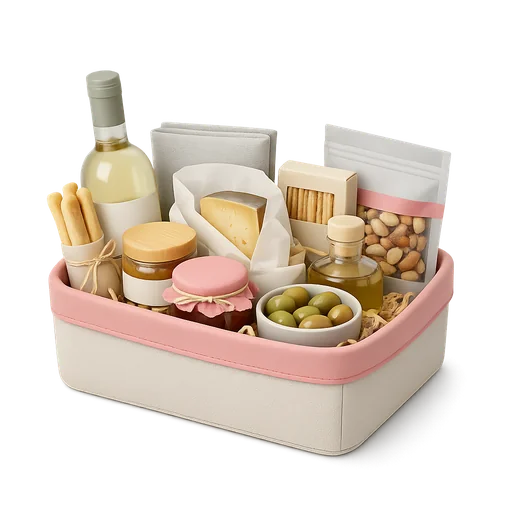
This guide explains what a guidebook is, what to put in it, how to set one up and when a separate tool might be worth considering. It also shows how to keep a printed copy in place between stays. For other ideas that improve a stay, see our guide to a welcome gift for short-term rental guests.
What is an Airbnb guidebook, and how is it different from a house manual?
An Airbnb guidebook is a digital collection of local tips that you share with guests. It can cover places to eat, sights, shops, outdoor activities and neighbourhood advice.
A house manual explains how the home works, while a guidebook explains the area around it. If guests ask how to turn on the hot water, write a house manual. If they ask where to eat, write a guidebook.
| Criteria | House manual | Guidebook |
|---|---|---|
| What it covers | How the home works: appliances, heating, hot water, spare blankets | The area: restaurants, walks, shops, sights |
| Who can open it | Guests with a confirmed reservation | Guests on your listing, and future guests before they book |
| Typical question it answers | "How do I turn on the hot water?" | "Where should we eat on Sunday?" |
Guests can find a guidebook on your listing page, your profile and in their trips. Because it is visible before booking, it can also show future guests that you know the area. Check Airbnb's own help pages for the current details, as the platform updates its features.
What should you put in your guidebook?
Start with places you know from experience: a restaurant you have eaten at, a shop you have visited, a trail you have walked. Cover four kinds of place: where to eat, what to see, where to shop and what to do outdoors.
Then add one detail that makes each place stand out. A restaurant with a terrace, or a shop selling local produce, gives guests a reason to go. Without it, the entry is just a name on a list.
- Keep each entry short: say what the place is and why a guest might enjoy it.
- Add photos where you can, so the list looks inviting.
- Review the list from time to time, add new places and check that the details are still accurate.
- If families stay with you, add tips for them, such as playgrounds and shops where they can buy supplies.
Guests value local knowledge. Booking.com's research on what makes a great host found that 55% of respondents named local-area and event tips, with restaurant tips close behind at 51%.
Want every arrival to match your guidebook's promise? Find a cleaner near your property who prepares the home to the same standard at each turnover, with no commission.
Find a cleanerHow do you create a guidebook on Airbnb?
You create it from your host account on a computer, in the editing area for your listing. Look for the arrival guide section, where the guidebooks option appears.
Once the editor is open, the setup follows three steps:
- Edit the title and cover photo, so guests recognise the guidebook straight away.
- Choose which listings it applies to, so each one links to the same guide.
- Add your places, neighbourhood tips and city advice one by one.
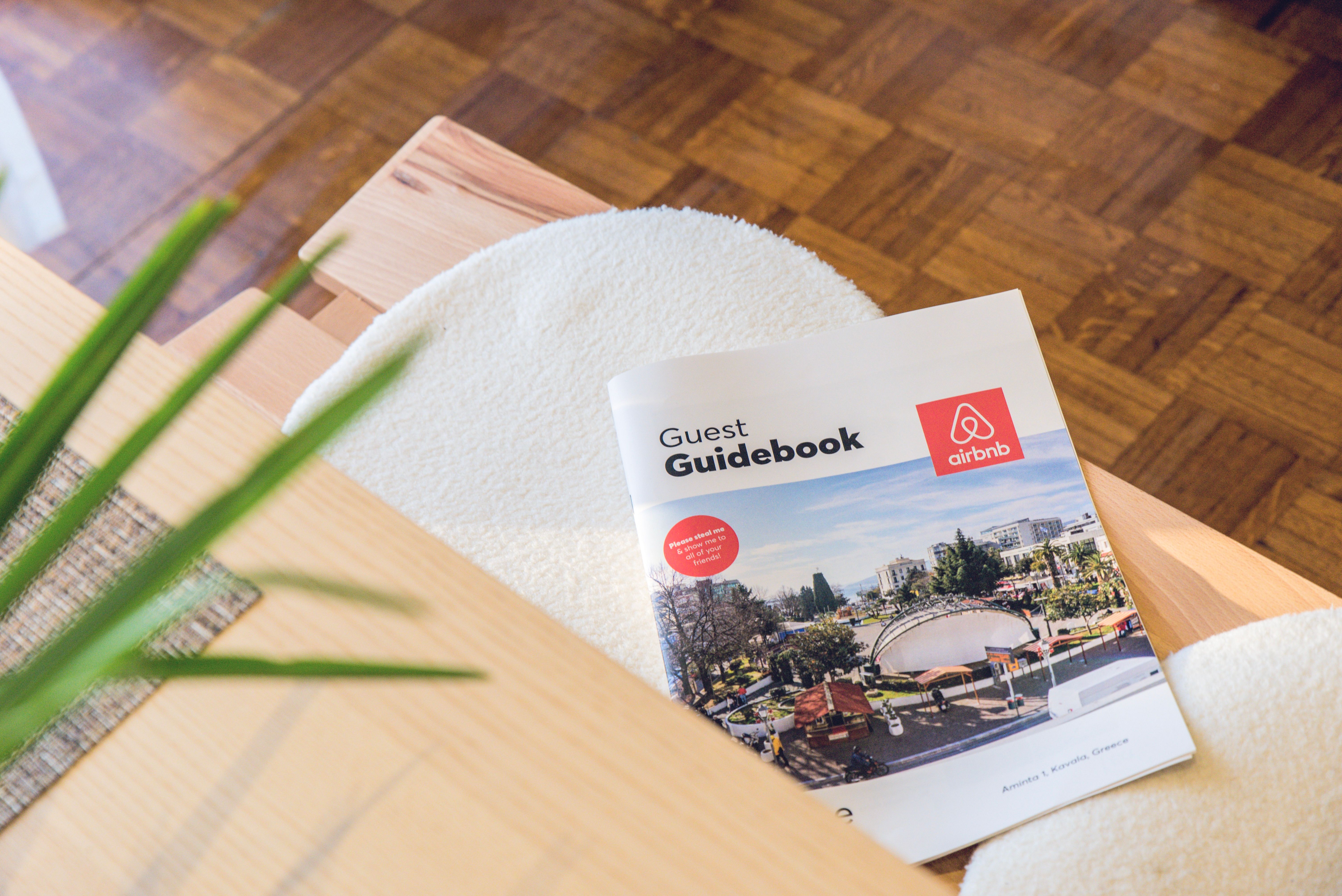
Paste the guidebook link into a saved reply, so that when a guest asks for local tips you can send it in one click. You can also share the link outside Airbnb, and print a copy for guests who prefer paper.
Good to know: menu names and screens change from time to time, so if you cannot find an option, check Airbnb's Help Centre for the current steps.
Show who prepared the home The guest card is designed to let guests scan a QR code and see when and by whom the home was prepared. More details
Do you need a separate guidebook tool?
For most hosts with one or two homes, Airbnb's built-in guidebook is enough. It is free to create and share, and you can print it.
A separate tool is worth comparing only if the built-in version leaves a gap. Before paying for anything, check these points:
- How many properties and guidebooks each plan includes, because costs often grow with every listing you add.
- Any limits on guest views, team seats, translations and sharing options.
- The contract terms, and whether a free plan lets you test the tool first.
Check prices and limits on each provider's own site, as they change. Whichever you choose, add three places you know well, then share the link with your next guest.
Moving from paper to a checklist your cleaner actually follows
If you leave a printed guidebook in the home, it has to be there, clean and complete at every arrival. That is a small task that is easy to forget between turnovers. A checklist lets you turn it into a step your cleaner ticks off every time.
- Create your property in CleanClac and let the cleaning schedule build from your bookings.
- Add a task to the property checklist, such as "printed guidebook in place and undamaged".
- Ask your cleaner to tick it off with a photo, so you can see the result after each turnover.
The cleaning checklist is designed to be specific to each property, and your cleaner follows it task by task on their phone. For checks that sit alongside it, see our guide to pre-arrival technical checks. Try it with your first property free
Your questions
Can hosts share their Airbnb guidebook outside the platform?
Yes. You can share your guidebook outside Airbnb through its link, so guests can open it from a message or an email. Check Airbnb's help pages for the current sharing options.
Can guests print an Airbnb guidebook?
Yes, a printed copy is possible. Hosts can print their guidebook to leave in the home for guests who prefer paper to a phone. Use it when a guest asks for paper rather than a link.
Is an Airbnb guidebook public?
Yes. Anyone on Airbnb can open a host's guidebook, not only guests who have booked, so future guests can read your tips before they reserve. It also appears on your listing page and your profile.
What is the difference between a guidebook and a house manual?
A house manual explains how the home works, and a guidebook covers the area around it. The house manual is for confirmed guests only, while the guidebook is open to anyone on Airbnb.
How many places should a guidebook include?
There is no fixed number, so start with a handful you know well. As a guide, a few places in each of the four categories (eating, sights, shopping and outdoors) is a solid first version that you can expand later.