


Manager
How do I print the guest card to leave in the property?
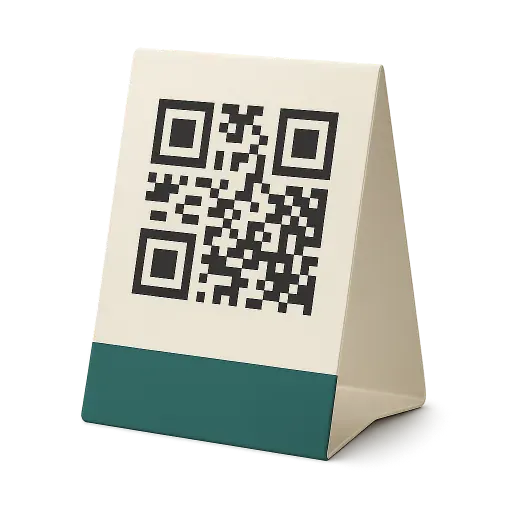
On the property page, open Guest card and tap Print the card: an A4 PDF opens, to print, cut out and fold into a tent card.
Where to tapPropertiesGuest cardPrint the card
Step by step
- 1Open the Properties tab and tap the property.
- 2Tap the Guest card block.
- 3Check the card, flip it to see the back, then tap Print the card.
- 4A black-and-white A4 PDF opens: print it, cut it out and fold it in half so the card stands up.
Good to know
- The front is in the language of the property’s country, the back in English.
- The QR code belongs to the property and never changes: a printed card stays valid.
- CleanClac does not print or send cards. A sample without an account: cleanclac.com/s/exemple.
Words in this tutorial
Checked on November 15, 2026


 QR code


