Manager
How do I request a video of the whole property?
On the Proof page, tap “+”, Add a proof, then Whole property. Write the video instruction and tap Save.
Where to tapProofAdd a proofWhere to add a proof?Whole propertySave
Step by step
- 1On the Proof page, tap the “+” at the top right, then Add a proof.
- 2In “Where to add a proof?”, tap Whole property.
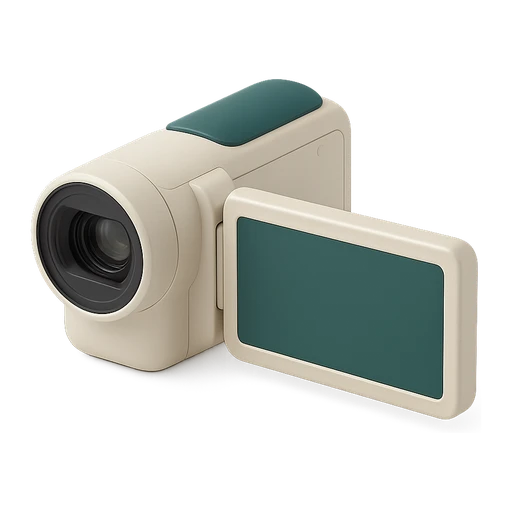
- 3The Whole property row comes first, with the camcorder. Tap it.
- 4Write the Video instruction, add a model video if you like, close the sheet and tap Save.
Good to know
- It adds to the room proof without changing it.
- A video lasts up to 5 minutes, compressed automatically. For a large property, prefer one video per room.
- Delete this proof removes it; the instruction and model are kept if you put it back.
Words in this tutorial
Checked on November 15, 2026