Manager
How do I show the cleaner the expected result with a reference photo?
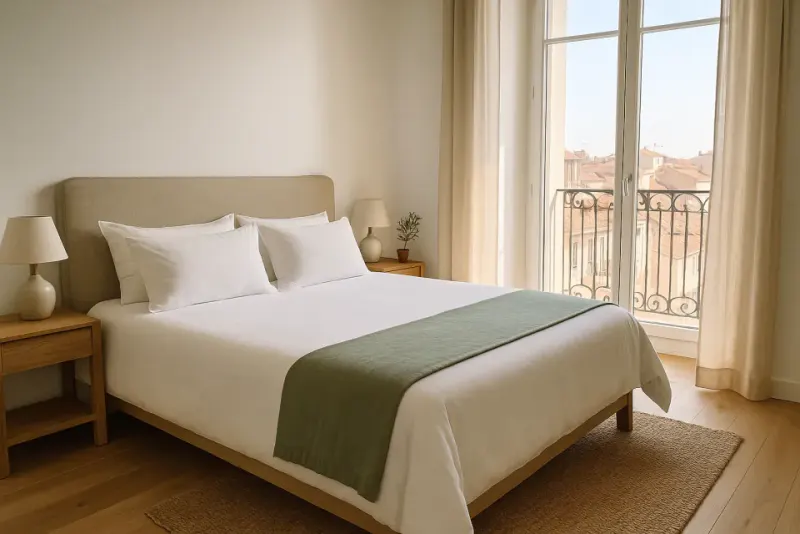
On the Proof page, open the room and its photos row, then tap Add a reference photo next to the requested photo.
Where to tapProofBedroomAdd a reference photo
Step by step
- 1On the Proof page, tap the room.
- 2Tap its photos row.
- 3Next to the requested photo, tap Add a reference photo and choose the picture.
- 4The reference photo is marked “Example”: the cleaner sees it before taking their photo. Close the sheet and tap Save.
Good to know
- The reference photo belongs to the property: it never appears in a cleaning’s summary. Proof photos are taken during the cleaning.
- For a video, Add a model video does the same.
Words in this tutorial
Checked on November 15, 2026