Manager
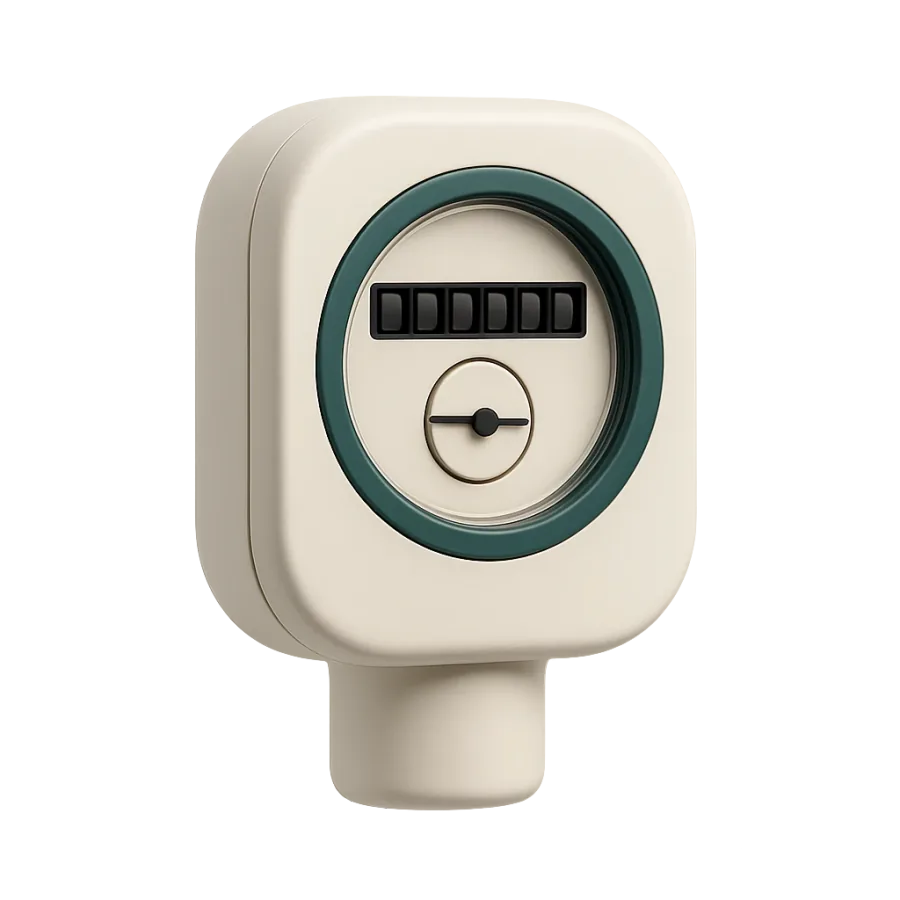
How do I request a photo of the keys, the meter or the locked door?
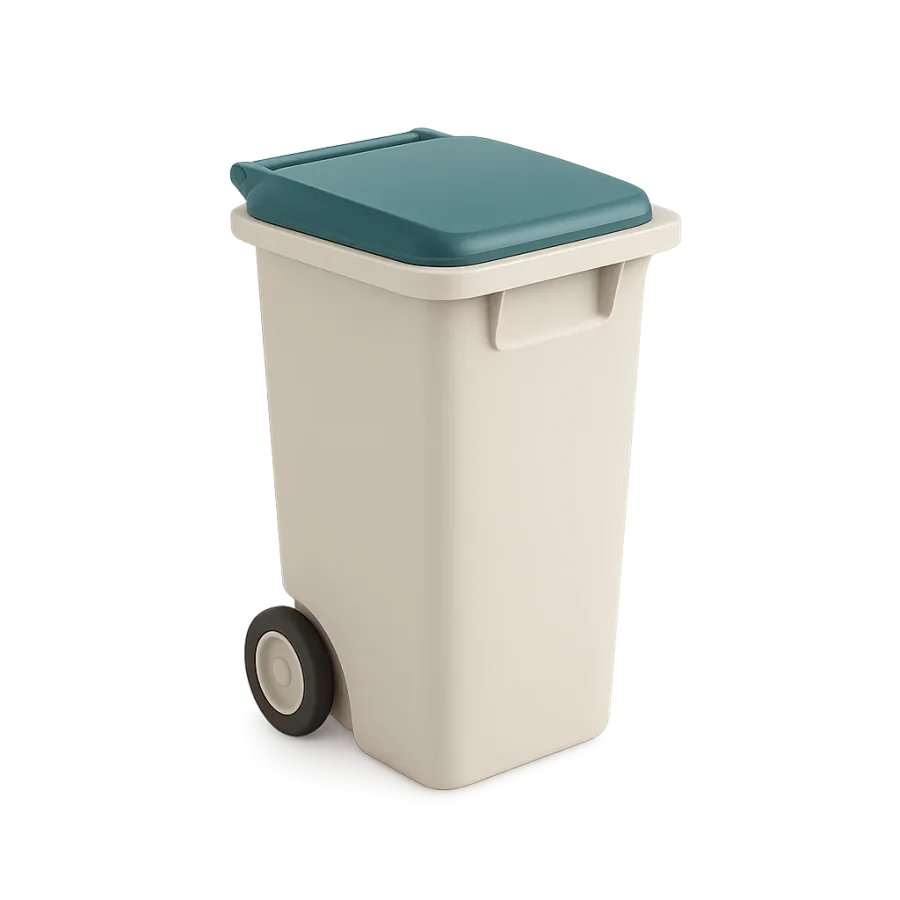
On the Proof page, tap “+”, then Checkpoint. Tick the points (keys, meter, bins…), choose Photos or Video, then Save.
Where to tapProofCheckpointCheckpointsPhotosSave
Step by step
- 1On the Proof page, tap the “+” at the top right, then Checkpoint.
- 2Tick one or more points, then tap the bottom button.
- 3Choose Photos or Video.
- 4The points arrive under Checkpoints. Tap Save.
Good to know
- The cleaner photographs them in Whole property, at the end of the checklist, with the same timestamp as the other proof.
- A missing point: take the closest one and rename it in its sheet, or suggest it through the link at the bottom of the picker.
- On a Proof page that is still empty, the Add a checkpoint block does the same.
Words in this tutorial
Checked on November 15, 2026