Cleaning Quality Control: Timestamped Photos Every Time
Remote cleaning quality control: which photos to request, how to timestamp and review them in 2 minutes to avoid disputes and negative reviews.
12 min read
The message arrives at 16:04: "Hello, the property is not clean, there are hairs in the shower and the bin hasn't been emptied." The guest has just checked in, you are 300 kilometres away, and your cleaner confirmed "cleaning finished" at 13:30. Who do you believe? Without proof, you have no idea, and you pay the price: goodwill gesture, partial refund, mediocre review visible for months.
There is a simple solution, used by all professional management companies: systematic photos at the end of every clean. Not ten blurry snaps, but a standardised, timestamped series, covering pre-defined checkpoints. Here is why this habit changes everything, which photos to request, how to review them quickly, and how to implement it without upsetting your team.
Why cleanliness allows for no "I think it's fine"
In short-term rentals, cleanliness is not just another criterion: it is the number one factor. Around 81% of guests cite it as the most important factor when choosing accommodation, and 78% are more likely to leave a positive review when the property is spotless (Hospitable / AHLA).
The reverse is also true, and measurable: a cleanliness rating that drops below 4.8 stars results in about 20% fewer bookings, and below 4.7, the loss of income can reach 30%. Lack of cleanliness is among the top three issues reported by guests, mentioned by 33% of them (ConsumerAffairs). The most common oversights in these complaints are reviewed in the 10 cleaning mistakes that lead to bad reviews.
In other words: every unchecked clean is a gamble with your rating. Until you see the result, you control nothing, you just hope. Photo-based quality control turns that hope into systematic verification, clean after clean.
The photo: the only proof that works remotely
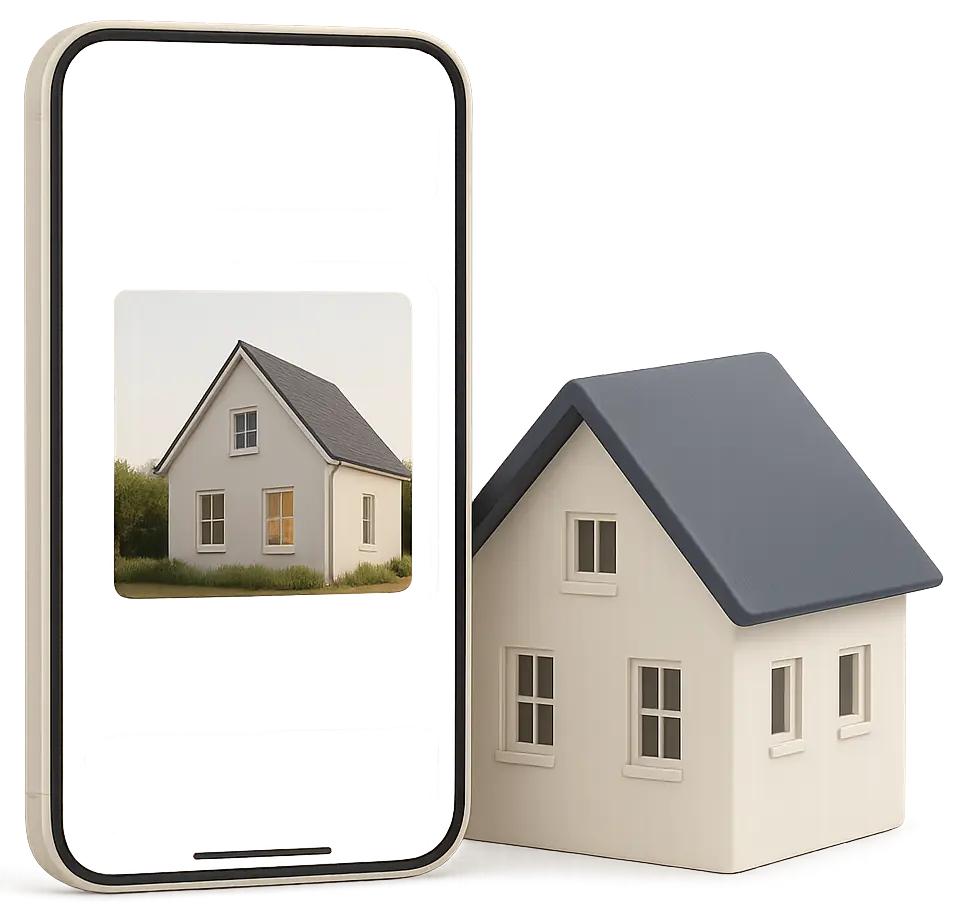
A "done" by text proves nothing. A video call takes time and leaves no record. The end-of-clean photo, however, offers four decisive advantages:
- It can be checked in 2 minutes, from anywhere. You (or your quality manager) scroll through the series on your phone, then approve or request a re-clean before the guest arrives.
- It is timestamped. A photo taken at 13:27 proves the property was ready before the 15:00 check-in. This is your key evidence in case of a complaint.
- It encourages responsibility without surveillance. The cleaner knows their work will be seen: standards naturally rise.
- It documents the state of the property. Any damage caused by previous guests appears in the photos: you can report and claim within the deadlines, as detailed in Airbnb Damages: Turning Every Clean into an Inventory Check.
This is exactly the logic behind Airbnb's enhanced cleaning protocol, whose step 4 is to check the work using checklists (Smoobu). The photo is simply the traceable version of this check, essential as soon as you are not cleaning yourself.
Which photos to request? The 12 to 15 key checkpoints
The classic pitfall: asking for "some photos" without specifying which ones. You then receive three shots of the living room and nothing of the bathroom, the room that generates the most complaints. The golden rule: a fixed list of checkpoints, the same for every clean, defined by you and not left to the cleaner's choice.
A solid base for a typical property (expect 12 to 15 photos, or 3 to 4 minutes at the end of the clean):
Bedroom(s)
- The made bed, wide shot: this is THE photo the guest will see in real life on arrival.
- Under the bed or floor/skirting board corner: missed dust hides here.
Bathroom
- Shower or bath empty and hair-free (close-up on the drain).
- Toilet open, seat up.
- Mirror and taps (limescale is obvious in photos).
- Towels folded and arranged.
Kitchen
- Hob and sink empty and degreased.
- Inside of fridge and microwave open: the two most common oversights.
- Bin empty with new liner.
Living area and exit
- Wide shot of the lounge, ready for guests.
- Consumables restocked (toilet paper, soap, new sponge).
- Meter or thermostat if special instructions, door locked or key box closed.
Adapt this list to each property (outdoor areas, washing machine, sofa bed). The important thing is that it is written down, illustrated with reference photos ("this is what the bed should look like"), and part of your protocol: the full process is described in Professional Cleaning Protocol: The Method for Your Rentals.
 Air the room
 Vacuum the floors
 Mop the floors
 Empty the bins
 KitchenX2
 BathroomX2
 BedroomX2
 Living room
 Keys
 Windows
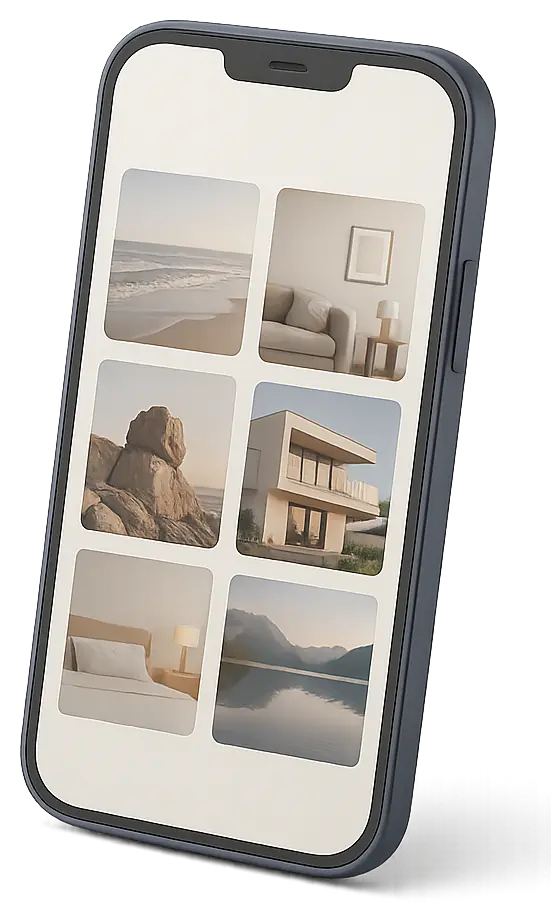
Proof, room by room
In the Proof tab, pick the rooms and checkpoints to photograph after the cleaning, and how many photos each.
More detailsThe model photo: the secret to a readable series
A control photo is only useful if you can compare it to something: hence the model photo, the expected framing taken on a day when the property was perfect. The cleaner no longer has to guess, and you spot any difference at a glance. Four framing rules:
- Always the same angle: from the door, at eye level, phone horizontal. Two different angles cannot be compared.
- Good lighting: shutters open, ceiling light on. A dark photo hides limescale, hairs, marks.
- A wide shot and a detail: the whole shower, then a close-up of the drain.
- A short description for each requested photo: "view from entrance, cushions aligned", "fridge door open, shelves visible".
| Checkpoint | What the photo should show | Common mistake |
|---|---|---|
| Bed | Wide shot, pillows and duvet centred | Photo taken too close, bedspread not visible |
| Shower | Close-up of drain, screen dry | Wet screen hiding limescale |
| Fridge | Door open, shelves and vegetable drawer | Door ajar, interior not visible |
| Bins | Empty bin with new liner, lid open | New liner placed over dirty base |
| Exit | Key box closed, door locked | Photo taken before locking up |
Implementing the process without upsetting your team
Photo checks fail when they are seen as distrust. They succeed when presented, honestly, as mutual protection. Three points to share with your cleaners from the start:
- "The photos protect you first."If a guest dirties the property then complains, the timestamped photo proves the clean was spotless. Without it, it's one person's word against another, and doubt rarely benefits the cleaner.
- "No more back-and-forth."The photo replaces the need for an in-person check, for both you and them.
- "The list is fixed, no surprises."Same photos, same criteria every time. No unexpected criticism about something never mentioned.
On the organisational side, three rules make the difference:
- Include the 3 to 4 minutes for photos in the paid time for the clean. A one-bedroom flat clean takes about 60 minutes on average: allow 65, and say so explicitly.
- Approve quickly. If the cleaner sends photos at 13:30, they need to know before leaving if a re-clean is needed. Checking at 19:00 is pointless if check-in was at 15:00.
- Give positive as well as corrective feedback. A "perfect bed today, thank you" now and then maintains engagement far better than a list of complaints.
When onboarding a new cleaner, do the first clean together and take the reference photos as a team: after two or three cleans, the habit is established.
Reviewing a series in 2 minutes: the method
Receiving photos is not enough, you need to look at them, quickly, and always in the same order:
- High-risk points firstBathroom (drain, toilet, mirror), then kitchen (fridge, hob).
- Exit pointsKeys, door, bins, heating. A missed step here cannot be fixed remotely.
- Wide shots lastThey confirm the overall impression but hide details.
- Compare with the previous seriesNot your memory: a missing pillow stands out side by side.
If something is wrong, request a specific re-clean ("the shower drain") rather than a vague "it's not great". The same oversight three times with the same cleaner is a training point.
Guest disputes: your photos are worth gold
The scenario at the start, "the property was dirty", is resolved in three messages when you have proof:
- The guest complains.
- You reply calmly, with timestamped photos: "The clean finished at 13:27, here is the exact state of the property. Could you show me what the issue is?"
- Either the opportunistic complaint disappears, or the problem is real and specific, and you address it directly, without refunding the whole stay.
These same photos work the other way: if the departing guest has damaged or excessively dirtied the property, your post-clean photos from the previous stay show the state of the property before their arrival, supporting a compensation claim. Platforms detail their claims procedures in their help sections: the Airbnb Help Centre for AirCover, the Booking.com Partner Hub for Booking. In both cases, dated and organised evidence makes the difference between an accepted and a dismissed claim.
Two technical requirements for your photos to stand up to challenge:
- Reliable timestamping: the date and time must come from a source that cannot be altered, not the phone clock or a handwritten note.
- Link to the correct clean: a photo lost in a WhatsApp thread of 400 messages is impossible to find six weeks later when the platform asks for your evidence. Each series must be linked to a specific property and clean.
How each tool performs on these two points is compared in detail in our comparison of timestamped photo proof tools.

Timestamped, sealed photos
The time that counts is the server's, not the phone's.
More detailsWhatsApp, email, app: where should photos be sent?
Many hosts start with instant messaging. It works… for two weeks. Then the limitations appear:
- Photos are mixed in with other conversations, with no sorting by property or date.
- Compression degrades images, and there is no guarantee of timestamping.
- Impossible to see at a glance which cleans are done and which are still pending.
- When a cleaner leaves, the history goes with them.
Manual sorting (cloud folders by property and date) is more rigorous but time-consuming. This is why management companies, whose typical portfolio includes 30 to 50 properties, switch to specialist apps where the checklist and photos are integrated with every clean.
In CleanClac, for example, photos form the last group of the checklist, "Proof": you choose the rooms to photograph, the number of photos for each, with a description and, if you wish, a model photo. There are also exit checkpoints (keys returned, badge stored, bins out, meter, heating off, windows closed, door locked). The clean can only be finished once tasks are ticked and proof provided. Each file is timestamped by the server, with a digital fingerprint and GPS position when available: impossible to backdate or replace. Subscribers can request a video instead of photos.
12:31 PM12:33 PM12:35 PM12:37 PM12:40 PM12:42 PMPhotos or video
Photos on the tasks you choose, or a video of the property of up to three minutes.
More detailsYou find everything in the cleaning summary, with the actual duration, the state of the property on arrival, and on-site check-in: details are on the cleaning report page. As each clean is automatically created from every booking, the quality loop closes on the calendar. If your organisation between bookings is still manual, start with Organise your cleaning between bookings without stress.
The second opinion: the guest's
Your photos show the property at 13:27; the guest sees it at 16:00, and their opinion is what counts. Good quality control also captures this feedback before it becomes public: a QR code card in the property shows what has been done and allows the guest to rate cleanliness privately. With the CleanClac guest card, a rating of 3 stars or less notifies you immediately: you can respond during the stay, instead of discovering the problem in a review.
The 3 mistakes that ruin photo-based quality control
- Too many photos.Demanding 40 photos per clean takes 15 minutes and buries the important points. 12 to 15 targeted photos are enough; save long series for deep seasonal cleans.
- Checking with no follow-up.If photos are never reviewed, the team knows within two weeks and standards collapse. Review every series, respond, and request a re-clean when needed.
- Changing the rules without warning.Adding checkpoints on the fly creates confusion and resentment. Any change to the list should be communicated, explained, and applied from a set date.
Your questions
How many photos should I request after each clean?
Between 12 and 15 photos for a standard property: made beds, shower and toilets, open fridge and microwave, empty bins, consumables restocked, wide shot of each room, or 3 to 4 minutes at the end of the clean. More than 20 photos every time makes the process burdensome.
Are cleaning photos valid evidence in case of a dispute?
They carry more weight if they are reliably timestamped and linked to a specific clean. Platforms review the evidence provided in claims (damage, cleanliness complaints): photos dated from the end of the clean, showing the exact state of the property before guest arrival, count for much more than a simple statement.
My cleaner refuses to take photos, what should I do?
First, explain that the photos protect them too: in case of a guest complaint, they prove the work was done. Include photo time in paid time and set a stable list of checkpoints. If refusal persists despite a fair process, it is a serious warning sign.
Should I check the photos before every check-in?
Ideally, yes: the check is only useful if it allows for a re-clean before the guest arrives. Simple rule: photos sent as soon as the clean is finished, review within the hour. On a same-day turnover with check-in at 15:00, this responsiveness gives you time to correct any oversight.
End-of-clean photos or video: which to choose?
Photos are quicker to review and easy to compare from one clean to another: they are suitable for routine checks. Video shows the property continuously, which is useful for a large property, outdoor areas or a full inventory, but takes longer to watch. Many hosts combine photos for sensitive areas and occasional video.
Does photo checking replace on-site inspections?
No, it spaces them out. Photos cover routine checks for every clean; a regular physical inspection (monthly or quarterly) is still useful to check what photos miss: smells, bedding wear, sealant condition, minor maintenance. Both are complementary.

Written by Janik Thoisy
Janik Thoisy manages short-term rentals day to day and shares her cleaning and organisation methods here.
Published on August 7, 2026 · Updated on November 2, 2026
Read next
 Organise your cleaning between bookings without stressCheck-out/check-in window, real durations, automatic scheduling, priorities, plan B: the method to organise your Airbnb cleaning between bookings.Managing turnovers
 Managing Your Rental Cleaning Remotely: The Complete GuideNon-resident host? Local team, self check-in, synced schedule, check-in and timestamped photos: the method for managing your cleaning remotely.Managing turnovers
 Same-day turnover: mastering same-day Airbnb cleaningCheck-out at 11am, check-in at 3pm: minute-by-minute timing, ready-to-use linen kit, team and backup plans to make every same-day Airbnb clean a success.
One property free to put all of this in place, for as long as it takes.