Manager
How do I add a room to the checklist?
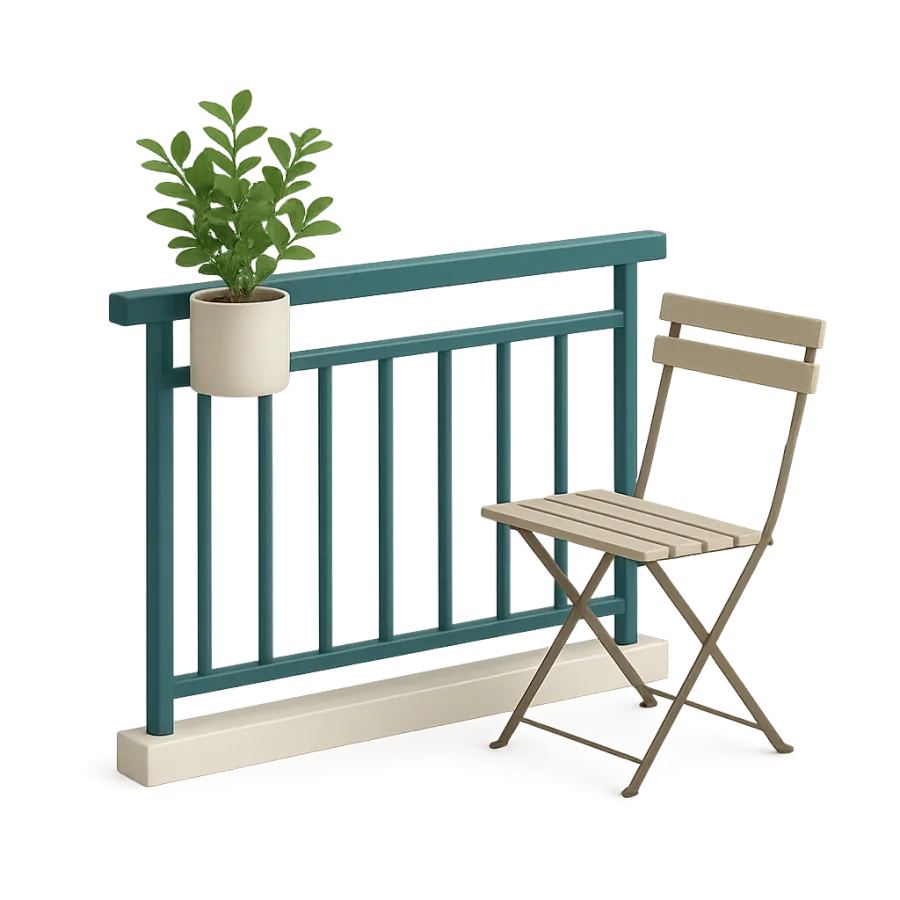
On the Checklist page, tap Add a room, tick the room under Indoor or Outdoor, then tap Add.
Where to tapChecklistAdd a roomOutdoorSave
Step by step
- 1On the Checklist page, tap the Add a room block under the rooms.
- 2Rooms are sorted in two tabs, Indoor and Outdoor. Tap the one you need.
- 3Tick one or more rooms, then tap the bottom button.
- 4The room arrives empty, with no task or proof: add tasks to it, then tap Save.
Good to know
- The same room can be added twice: it gets a number (“Living room 2”) and you can rename it.
- Rooms are shared by the Checklist and Proof pages: a room added here also appears in Proof.
- A room missing from the list can be requested through the link at the bottom of the picker, like a task.
Checked on November 15, 2026