

 Lodgify +
 CleanClac
Your Lodgify checklist, in 1 click.
Paste your Lodgify API key: every property gets its complete cleaning checklist, with linen, supplies and photo proof.
Free, no credit card
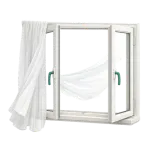 Air the room
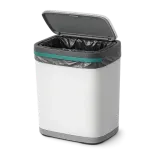 Empty the bins
 Dust the surfaces
 Vacuum the floors
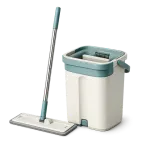 Mop the floors
 Clean the fridge
 Disinfect surfaces
Added on its own

Rooms
Every room of the property, with its tasks.
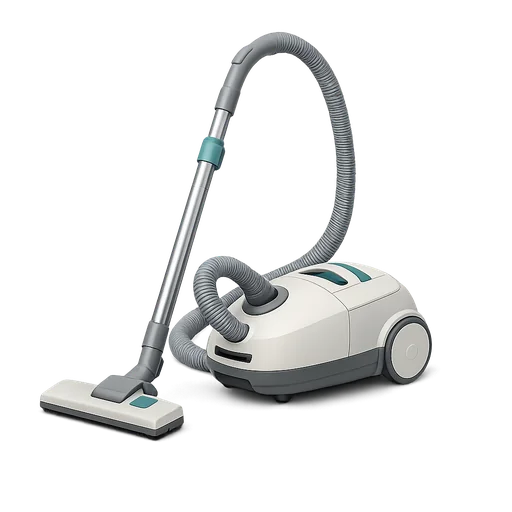
Illustrated tasks
One picture per task, in the right order.
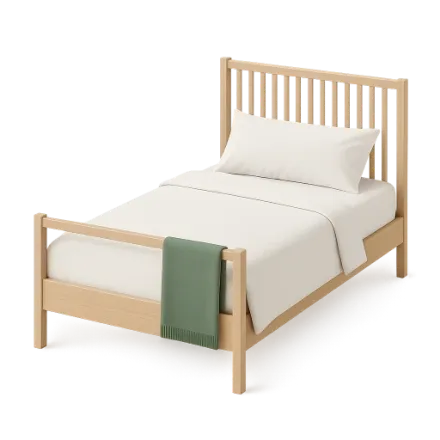
Linen and beds
Sheets, towels and beds to make.
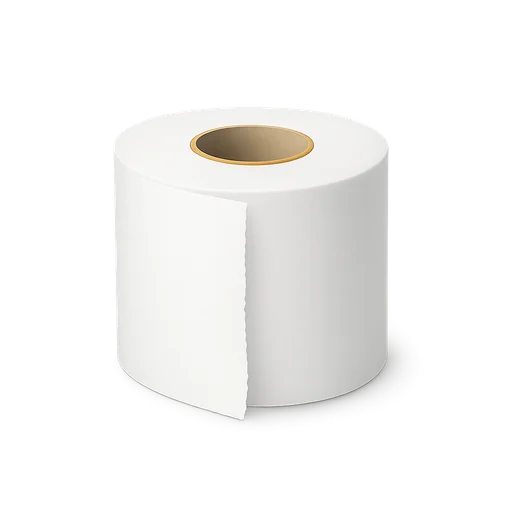
Supplies
Toilet paper, soap, coffee: the restock to check.
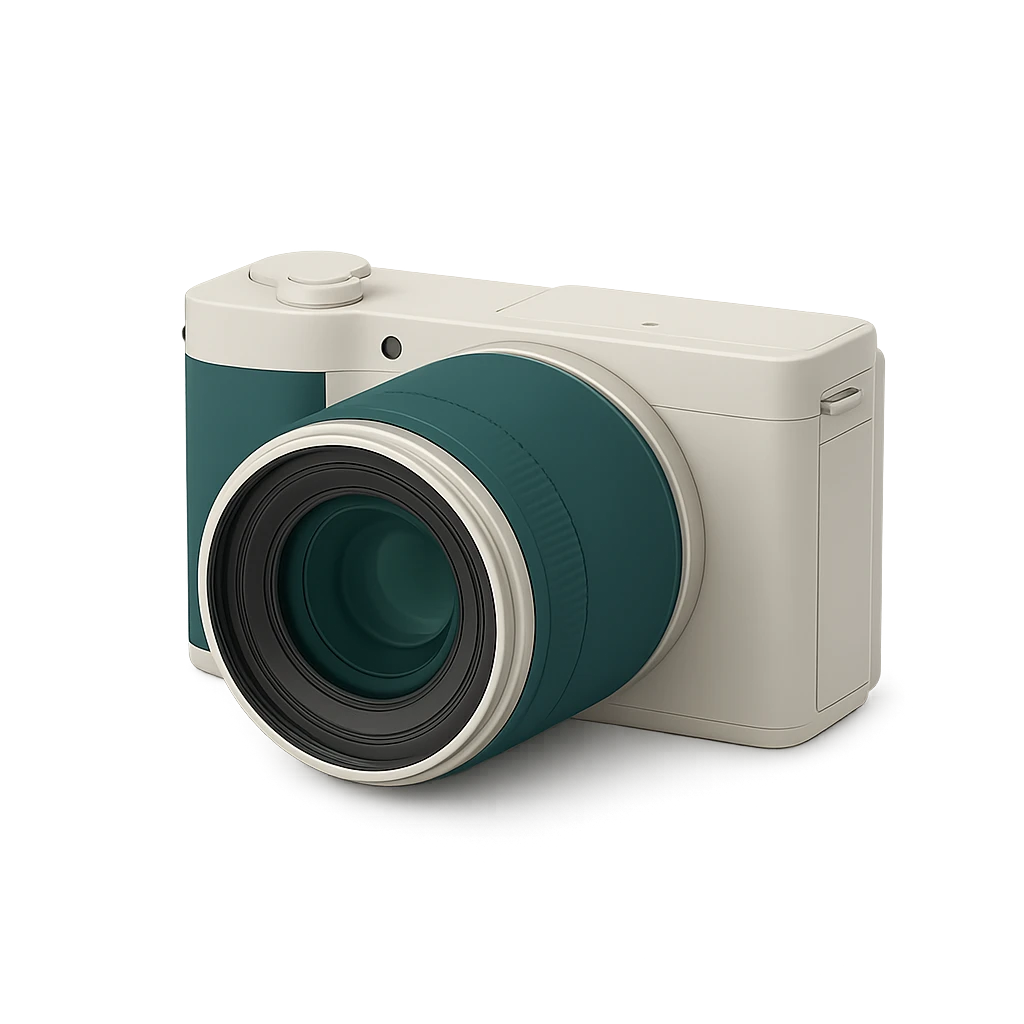
Proof photos
One photo per room, on every mission.
Missions
Every Lodgify booking becomes a mission, synced every 30 minutes.
How it works
Paste your Lodgify API key
In the panel, right on this page.
The checklist builds itself
Rooms, tasks, linen and proof: all ready.
Invite your cleaner
They follow the checklist on their phone.
What CleanClac reads from Lodgify
Read-only: nothing is ever written to Lodgify. Your credentials are encrypted before being stored, and never shown again.
Your properties
- Name and address
- Max guests
- Bedrooms
- Bathrooms
- Floor area
- Amenities
- Photo
Your bookings
- Check-in and check-out dates
- Number of guests
- Booking name
Where to find your Lodgify API key
- In Lodgify: Settings > Public API (Pro plan).
- Copy the API key and paste it below.
Or click here to open the page.
Step-by-step guides
All tutorials in this topic →Frequently asked questions
Is the Lodgify checklist really free?
Yes for one property, with no credit card. Beyond that, a free trial lets you test everything, then extra properties move to a subscription.
Where do I find your Lodgify API key?
The steps above take you to the right page of your Lodgify account. Copy the value, then paste it in the panel.
Is it safe for my Lodgify account?
Yes. CleanClac only reads, nothing is written to Lodgify. Your credentials are encrypted and never shown again.
I have several properties on Lodgify, what do I do?
Nothing more: all your Lodgify properties arrive at once, with their bookings.
What if a booking is cancelled?
The mission is removed and your cleaner is notified. A change of dates moves it, at the next sync.
Does my cleaner need access to Lodgify?
No. They receive their missions and follow the checklist in the CleanClac app, on their phone.
Further reading
CleanClac + Lodgify: direct booking site, automated cleaningLodgify manages your direct booking site and channels, CleanClac creates your cleans: Public API key, import, tracked cancellations, timestamped proof.Tools and automation Does CleanClac replace your PMS? No, and that's intentionalCleanClac does not replace your PMS, it connects to it: who does what, the 9 connected PMS, what is imported, iCal for others, depending on your portfolio.Cleaning tips
 Airbnb Cleaning Checklist: Room-by-Room List for HostsAirbnb cleaning checklist for every turnover: room-by-room list, cleaning order, a one-page version, Airbnb's 5 steps and the 10 spots everyone forgets.
A checklist for every tool





Shall we create your Lodgify checklist?
Free, no credit card


