Manager
How do I change a property’s name, address, type or area?
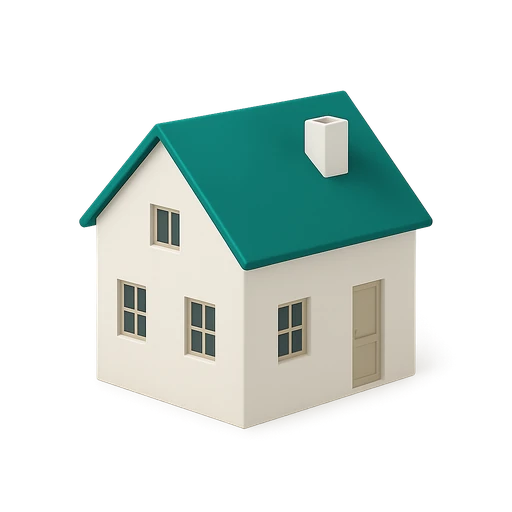
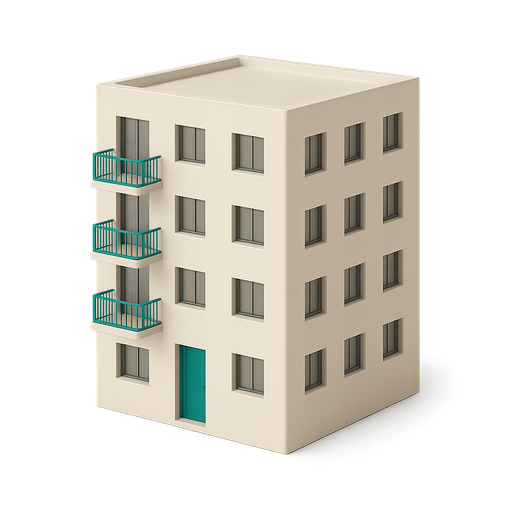
On the property page, tap "Property details": the name, address, house or apartment, guests, rooms and area can be changed there, then "Save".
Where to tapPropertiesProperty detailsSave
Step by step
- 1On the property page, tap Property details (or the cogwheel at the top right).
- 2Tap the field to change: Property name, Property address, House or apartment?, Maximum guests, and further down Rooms and Area.
- 3Make your changes, then tap Save.
- 4The page shows the new name and the new details.
Good to know
- The name is the only required field. The type can be changed but no longer removed once chosen; if you don’t know the area, tick I don't have this information.
- Several properties at the same address are allowed: give them distinct names ("Second-floor flat"), as the suggested name uses the street.
- The area and the type are shown to the cleaner before they accept a mission.
Checked on November 15, 2026