Manager
I got “To check before arrival”: how do I read the AI inspector’s alert?
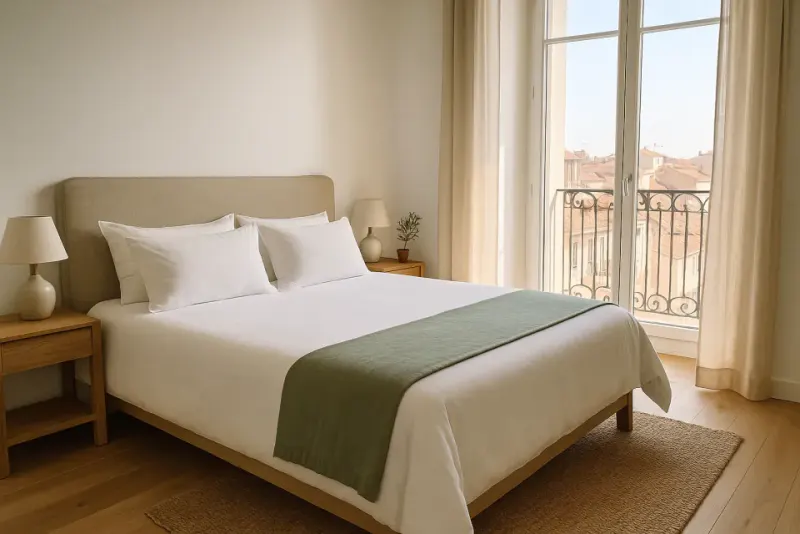
Tap the notification (or View the photos in the email): the cleaning summary opens on the To check block, with the photo and what to check.
Where to tapHarbourside FlatTo checkFalse alarm
Step by step
- 1Tap the “To check before arrival” notification, or open the cleaning in Planning.
- 2The To check block shows each point: the photo, the room, what to check and the time. If the AI got it wrong, tap False alarm (a second tap undoes it).
Good to know
- The point is also posted in the property’s conversation, visible to the cleaner.
- The photos concerned carry a small orange badge in the photos block.
- To stop receiving the alert: Menu, Notifications, “Photo check” row.
Checked on November 15, 2026